HeyReach Analytics 2.0 is here
Published:
August 26, 2026
We set out to build the most loved LinkedIn outreach analytics in GTM. So we sat down with power users and some of the sharpest outbound operators we know, and built it together.
Here's what's new.
UI refresh
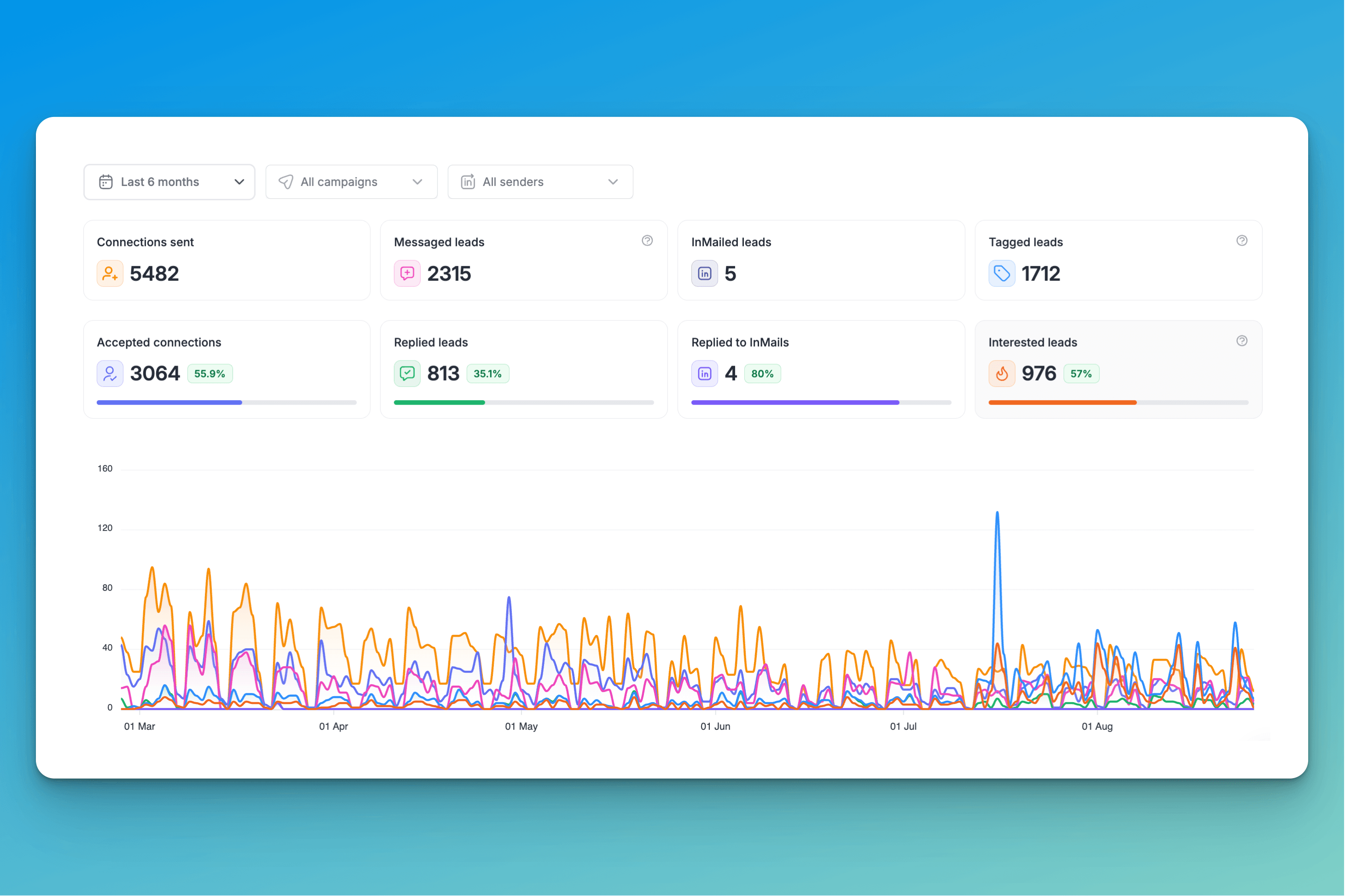
The first thing you'll notice: the main analytics and campaign screens got a full redesign. Every metric now splits cleanly between total activity and successful outcomes. Connections sent vs. accepted. Messages sent vs. replies. InMails sent vs. InMail replies. Auto-tagged leads vs. interested leads.
Each one has a dedicated, highly visible spot on your dashboard — no more hunting.
Steps analytics
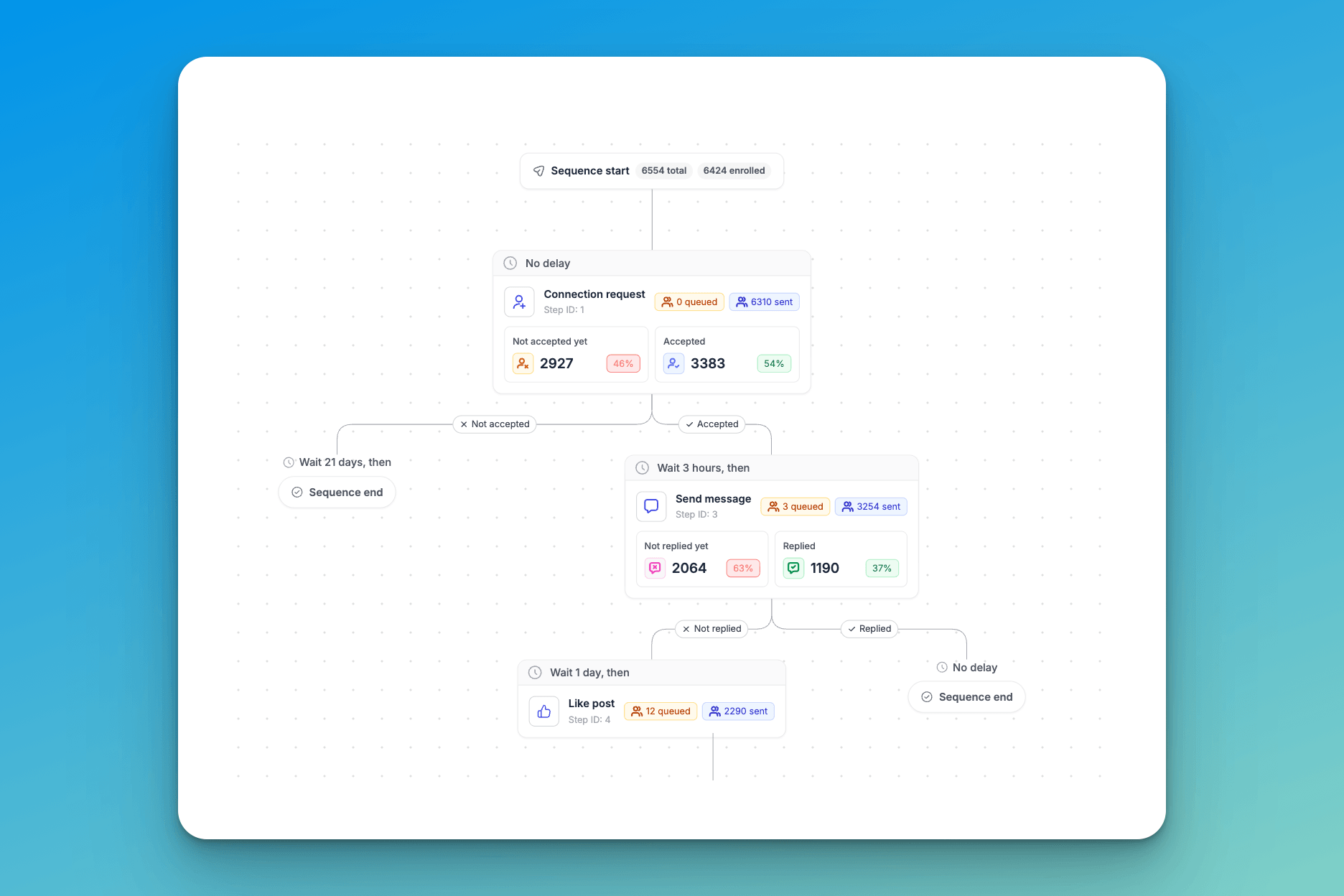
This one's our favorite. Open any campaign, go to Steps analytics, and see exactly how each step is performing in real time. Click into any step to see every lead and their status in that campaign. Filters included so you can configure any view you need.
Lead analytics
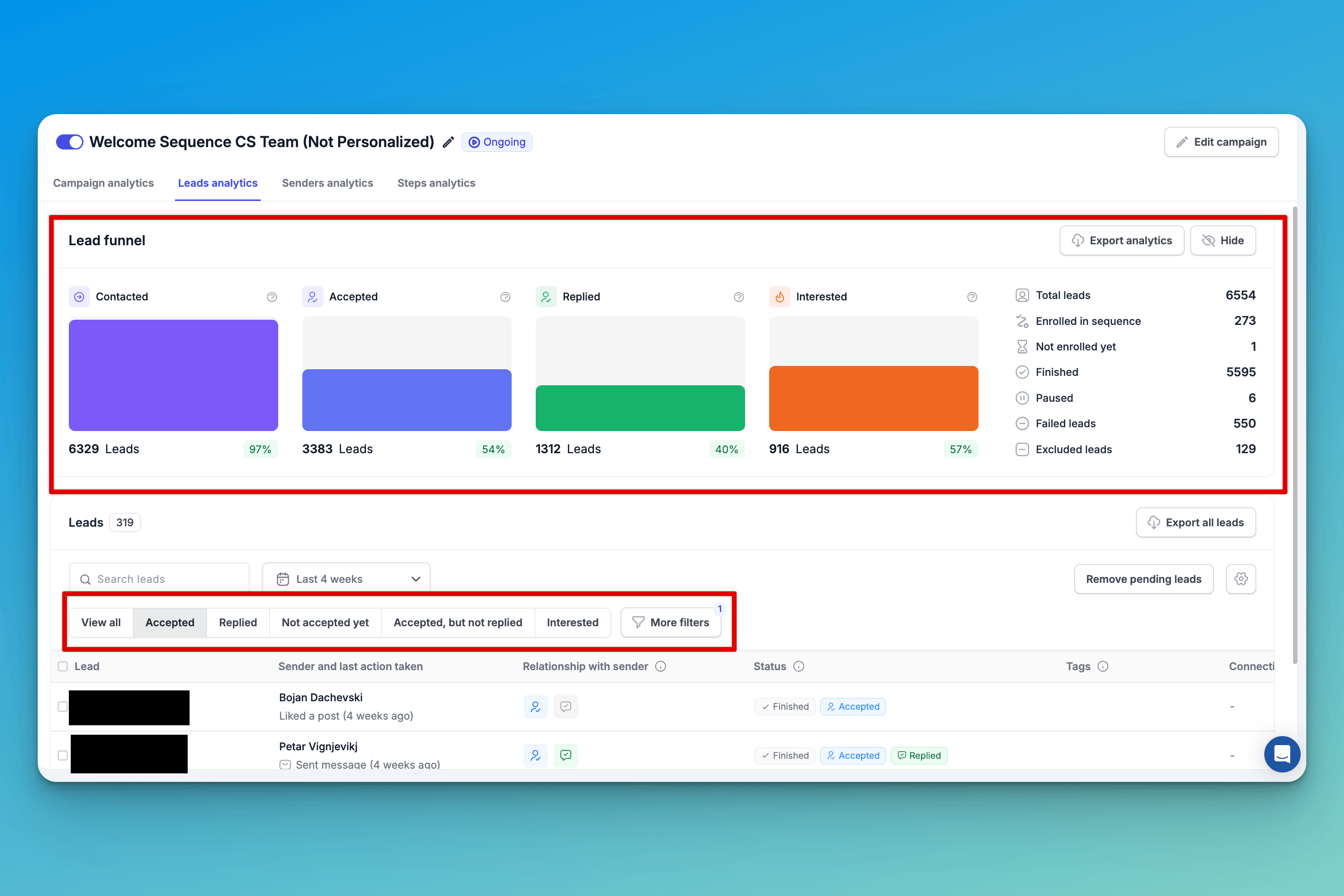
Open a campaign, go to Lead analytics, and you'll see a new funnel graph: Contacted → Accepted → Replied → Interested. Your full campaign progress at a glance. Scroll to the table below and you'll find the lead list you know, but with one big upgrade. One-click, pre-built filters so you can see the status of every lead in every campaign, instantly.
Senders analytics
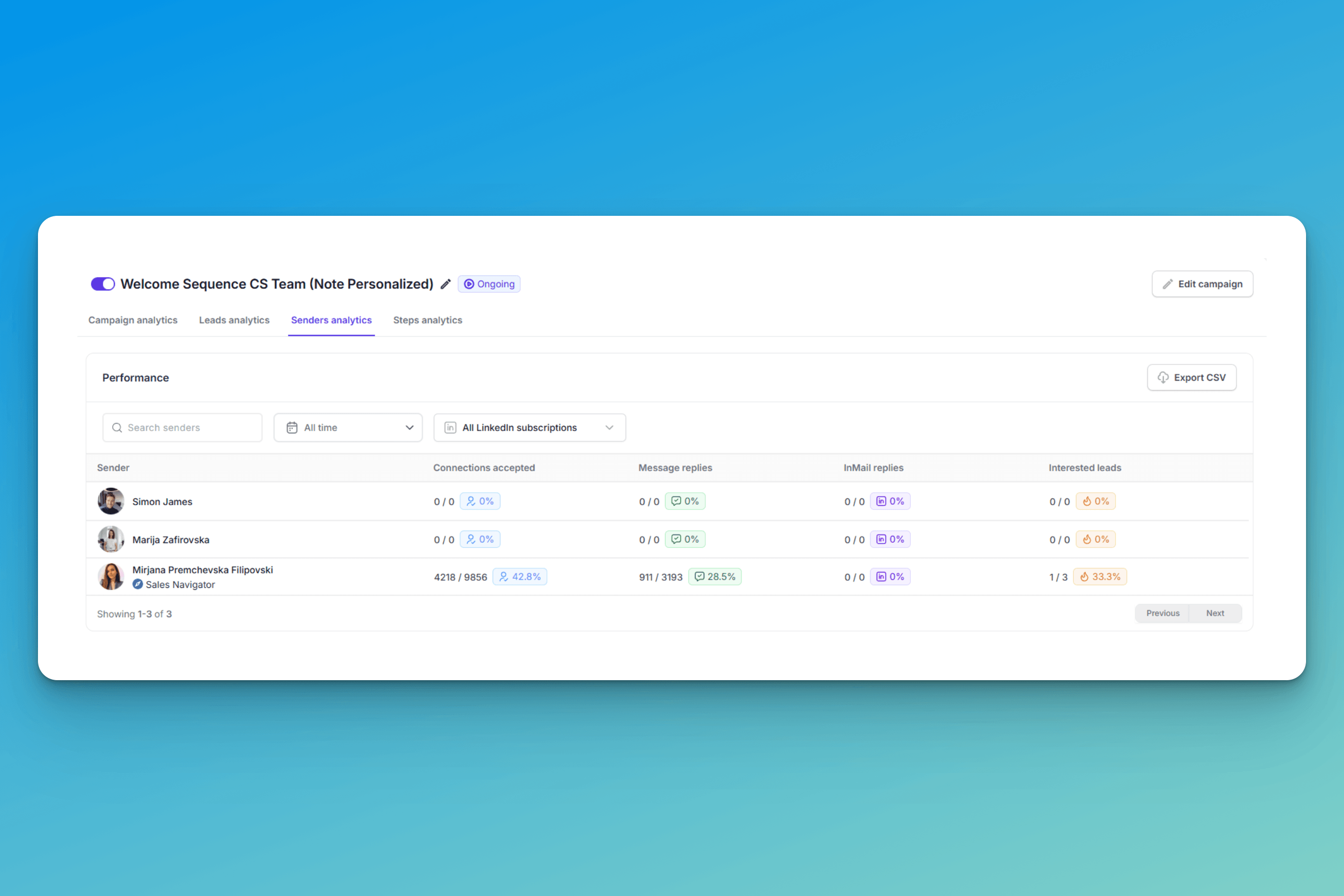
Navigate to Sender analytics in any campaign and you'll now see key performance metrics per sender — so you can spot who's delivering and who's underperforming at a glance. Time-based and LinkedIn subscription filters are built in, so you can narrow your analysis however you need.

Try it for free