Voice notes are live. And they sound exactly like you.
Published:
September 2, 2026
Voice notes are live in HeyReach.
Voice notes themselves aren't new. Other tools have had them for a while, and they all work the same way: record one message, and every lead gets that same clip. It works fine and it’s pretty straightforward. If your audio game is good, you’ll win.
Now you can do that in HeyReach too.
What didn't exist anywhere before today is what we call AI voice from text.
Write your message with personalization variables included. Our AI turns it into audio in your sender's voice. Every lead gets an audio recording with their own name, their own company, whatever you personalize — and nobody on your team recorded a single thing.
Here's how it works.
Step 1: Clone your voice
Go to LinkedIn Accounts. Every sender now has an Assign voice button in their settings.
You get two options:
- Add a new voice — record yourself reading the script on screen, or upload a file from your device. HeyReach AI clones it and assigns it to that sender.
- Pick a featured voice — browse our library, preview each one, choose a favorite.
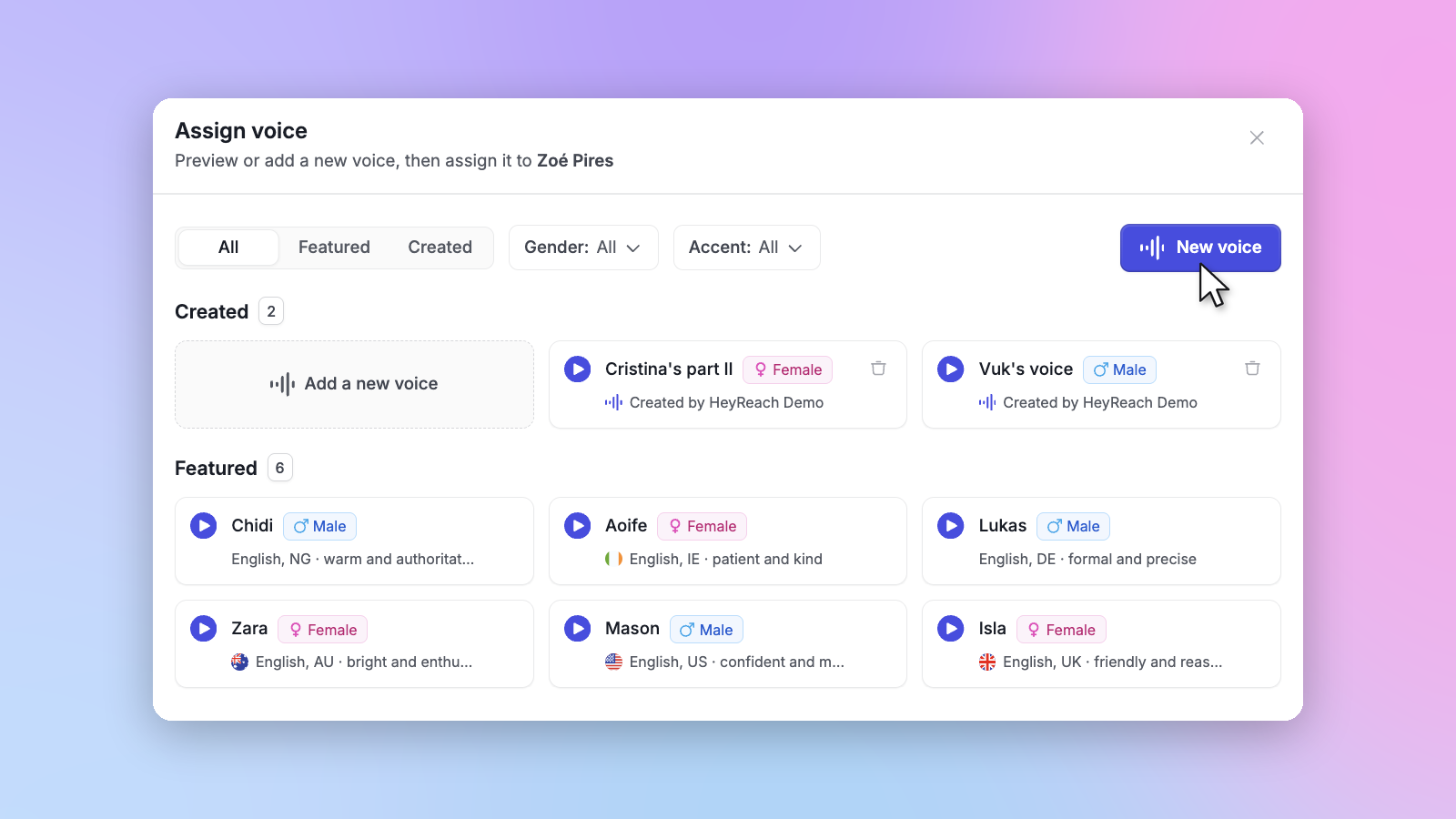
One rule: your recording has to be 20 to 30 seconds. That's the window our AI needs to get you right.
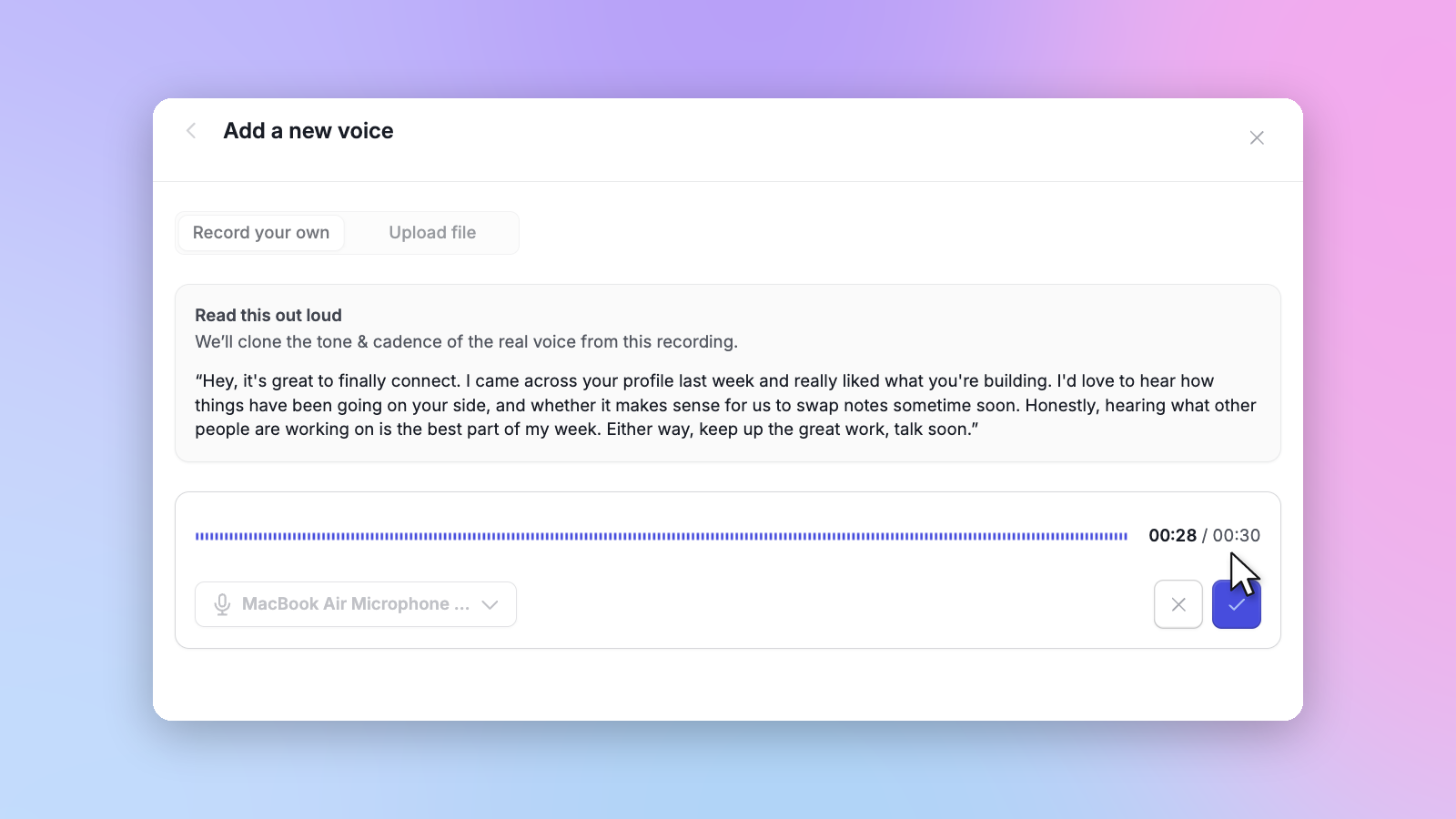
Once a voice is assigned, you can preview it or edit it whenever you want.
Running a team? Select multiple senders and the Bulk assign voice button appears on the right. HeyReach reads each sender's name and profile picture, detects gender, and matches voices for you. You just confirm.
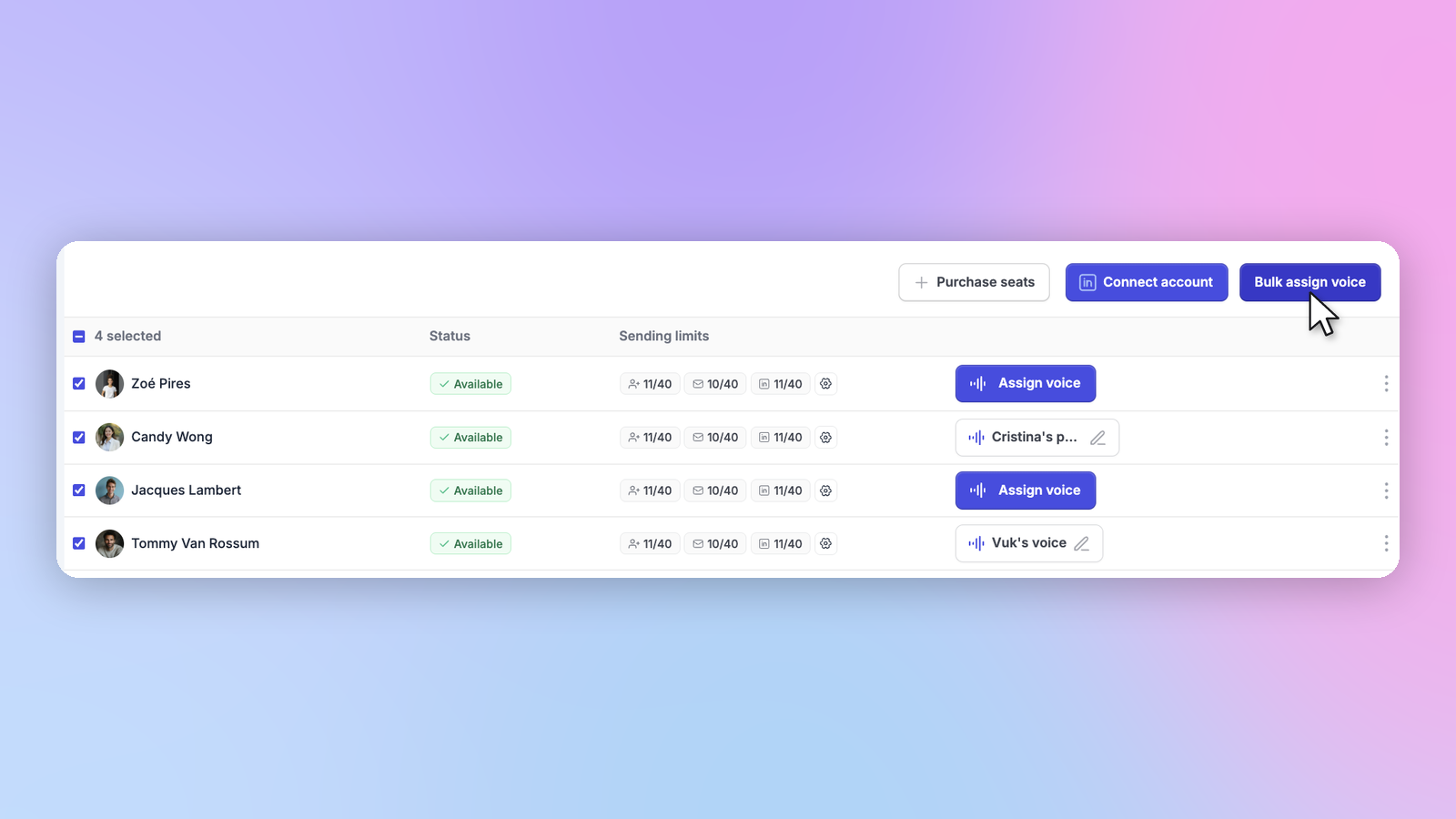
Step 2: Drop voice notes into your campaigns
Build a new campaign and you'll find a new action step: Voice note.
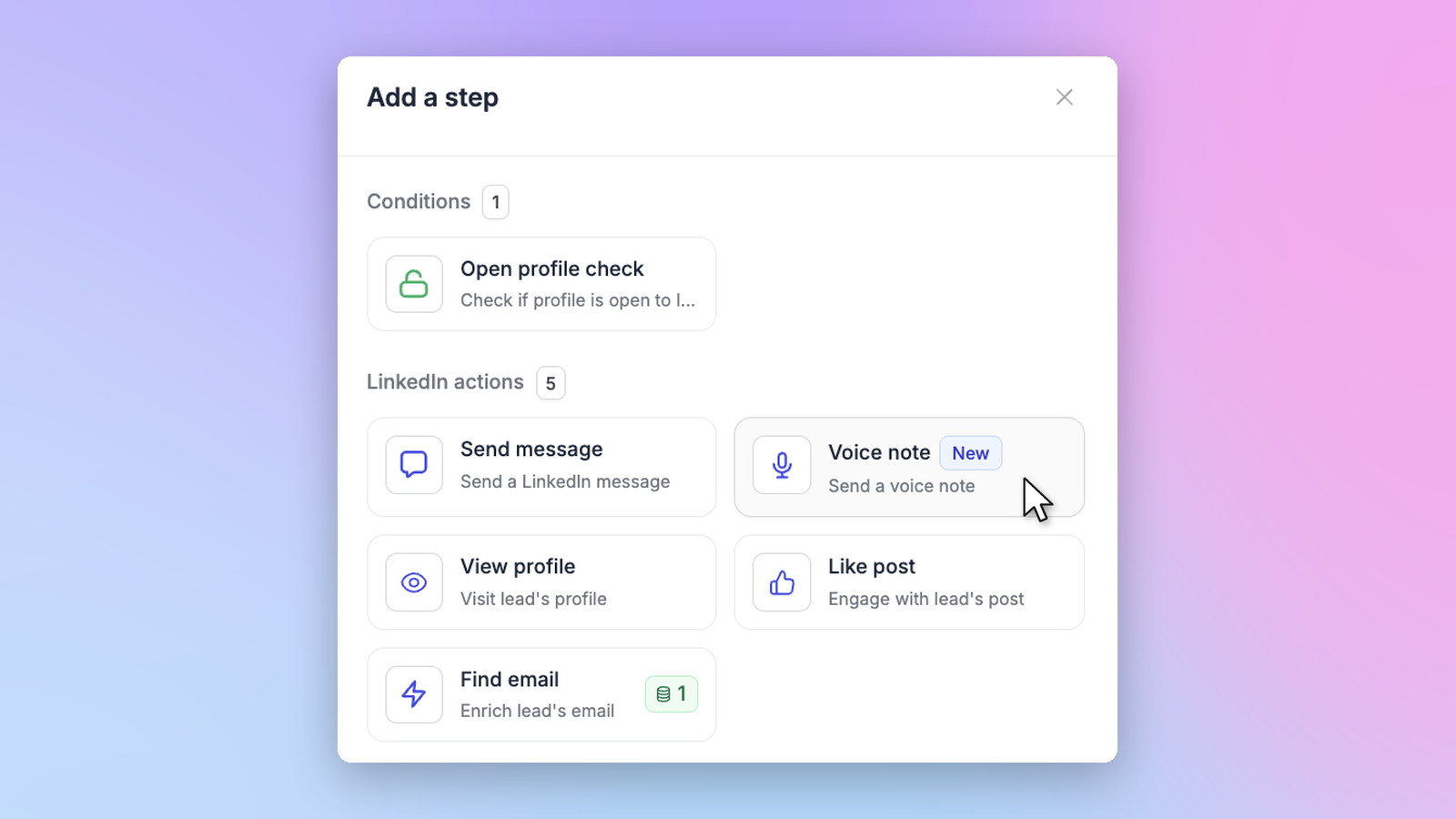
Two ways to use it.
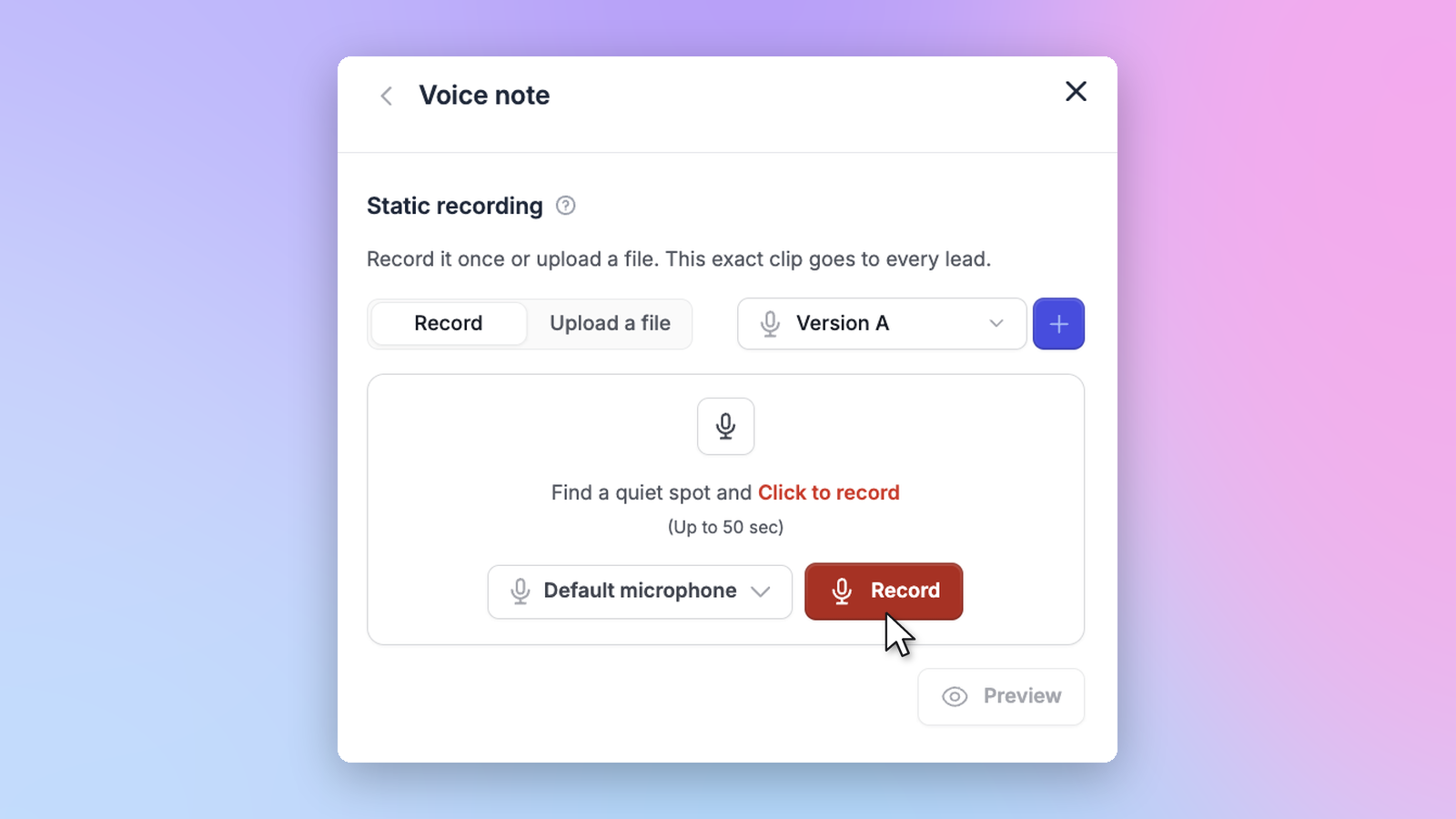
Static recording. Record one message yourself, or upload one, and every lead in the campaign gets it. Same audio, start to finish.
AI voice from message. This is the part nobody else has and that we REALLY wanted to build for you. Write the message you'd normally type, custom variables included, and HeyReach turns it into audio in your sender's voice. Personalized voice notes at scale, without you ever opening your mouth.
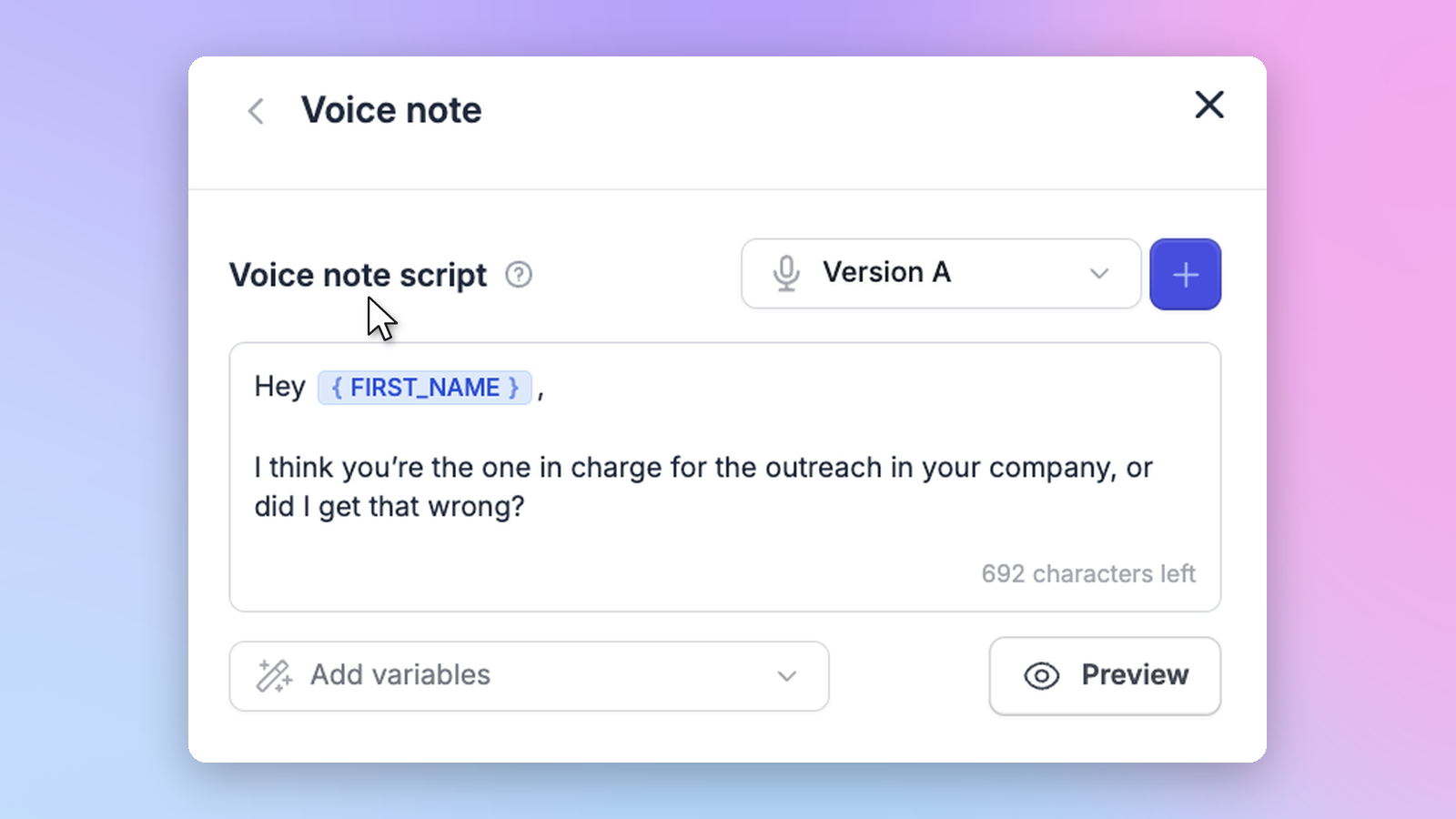
Using variables? Fallbacks work here too.
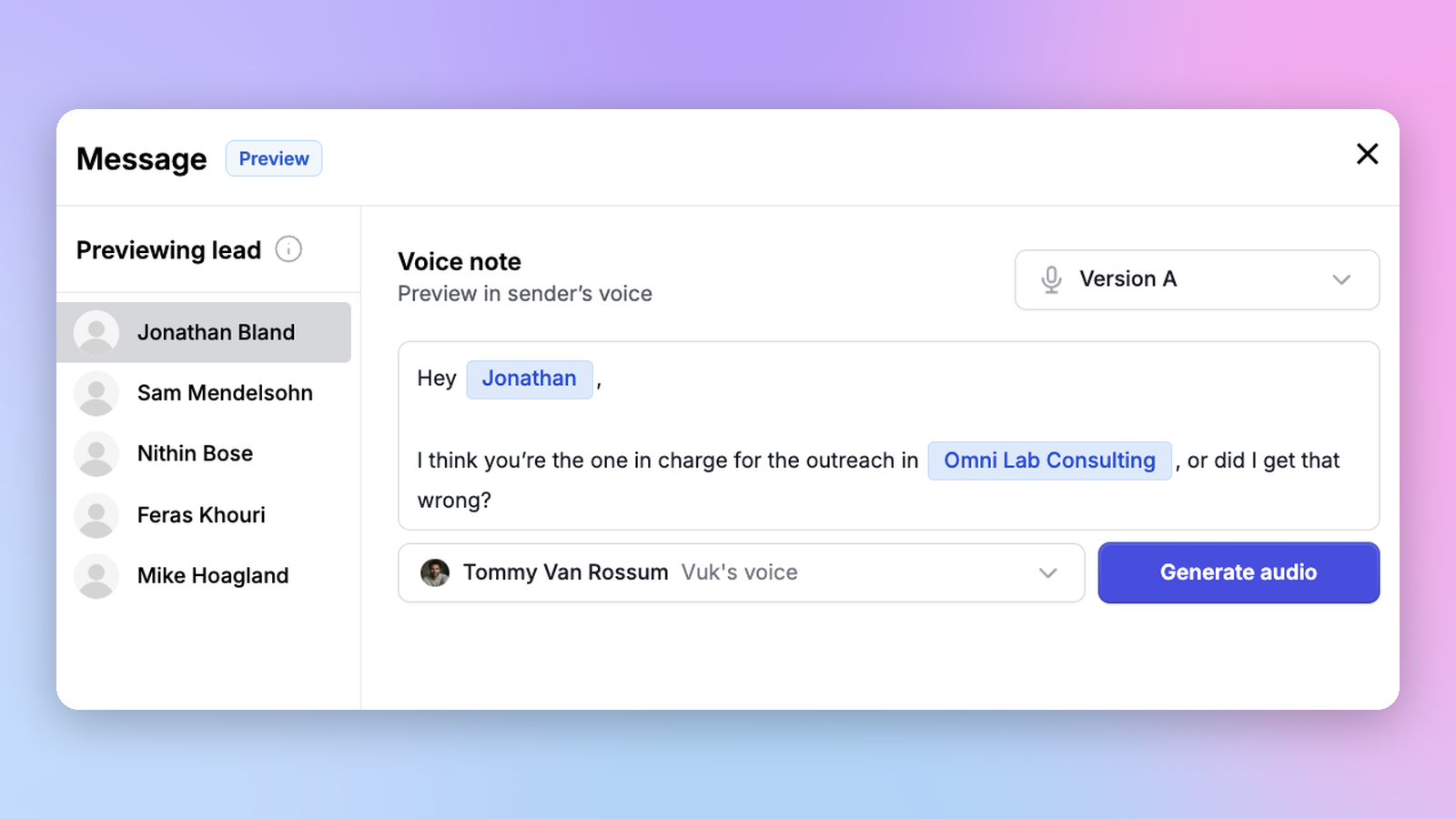
Every message can be previewed before it goes out, so you hear exactly what your leads will hear. Preview is available for the first 5 leads in your list.
Step 3: See what your voice is doing
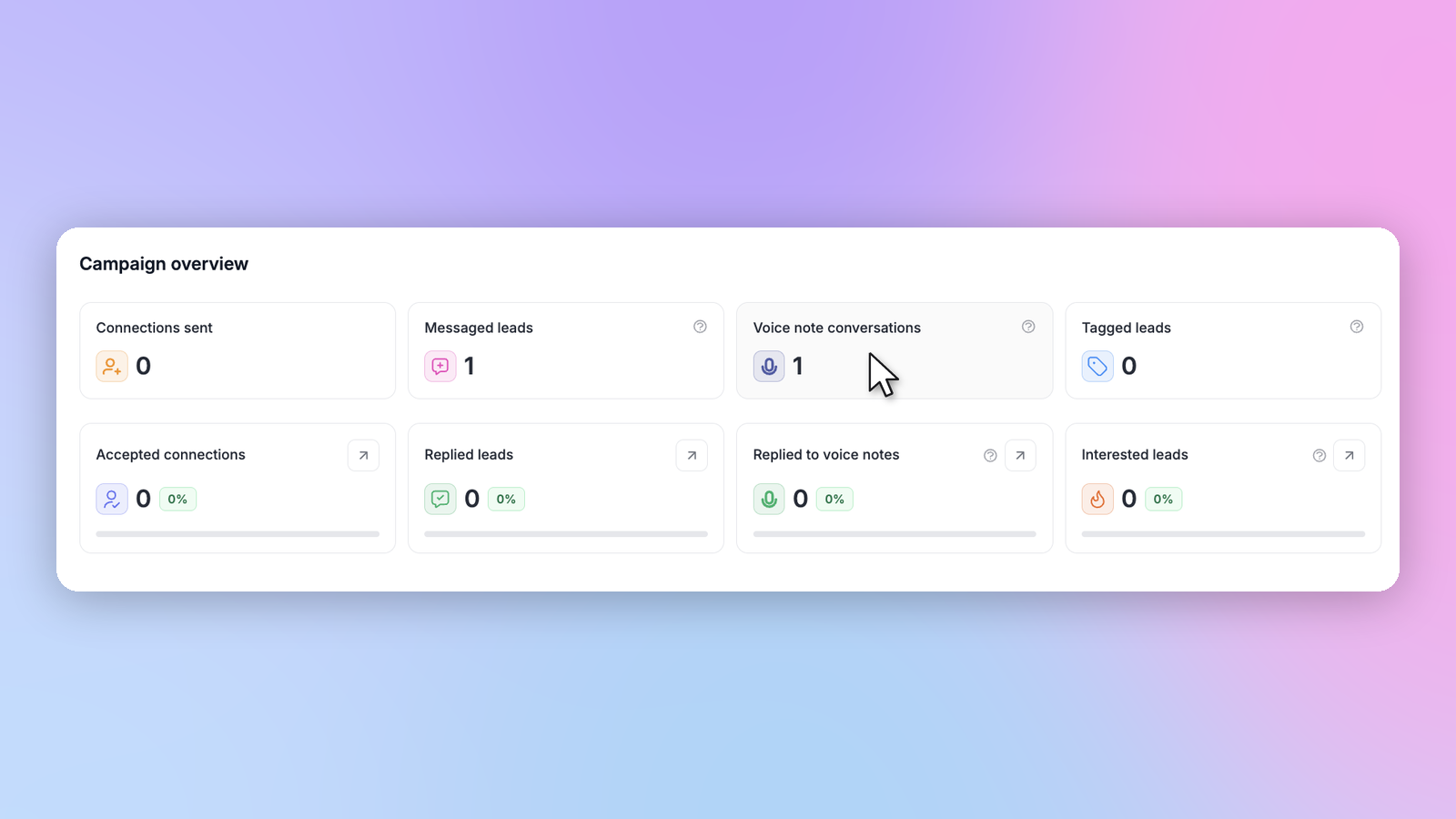
Open Campaign analytics and two new metrics are waiting at the top:
- Voice note conversations — total voice notes sent
- Replies to voice notes — total replies your voice notes received
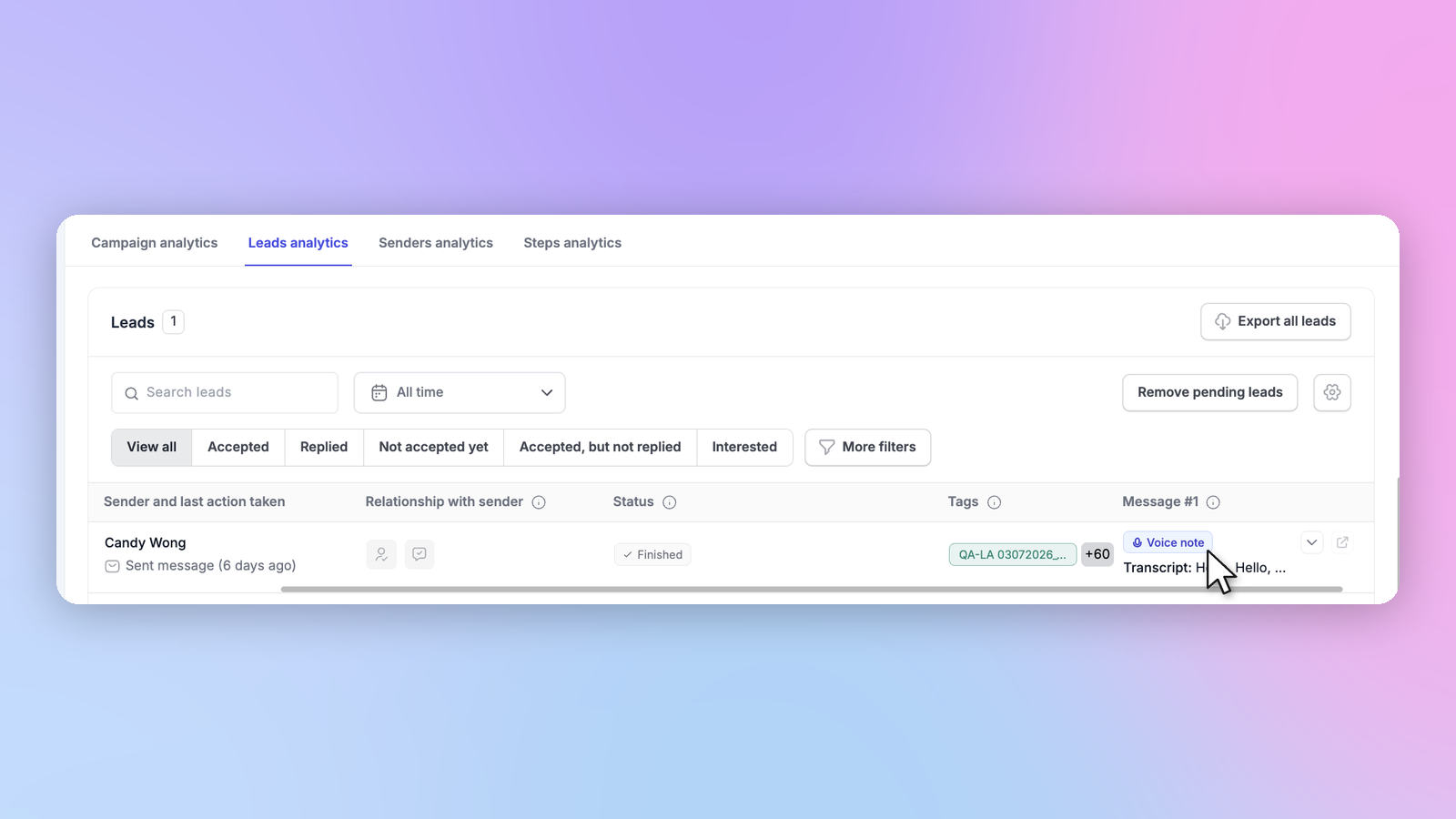
Scroll down to Lead analytics to see which leads got audio, plus the transcript that was sent.
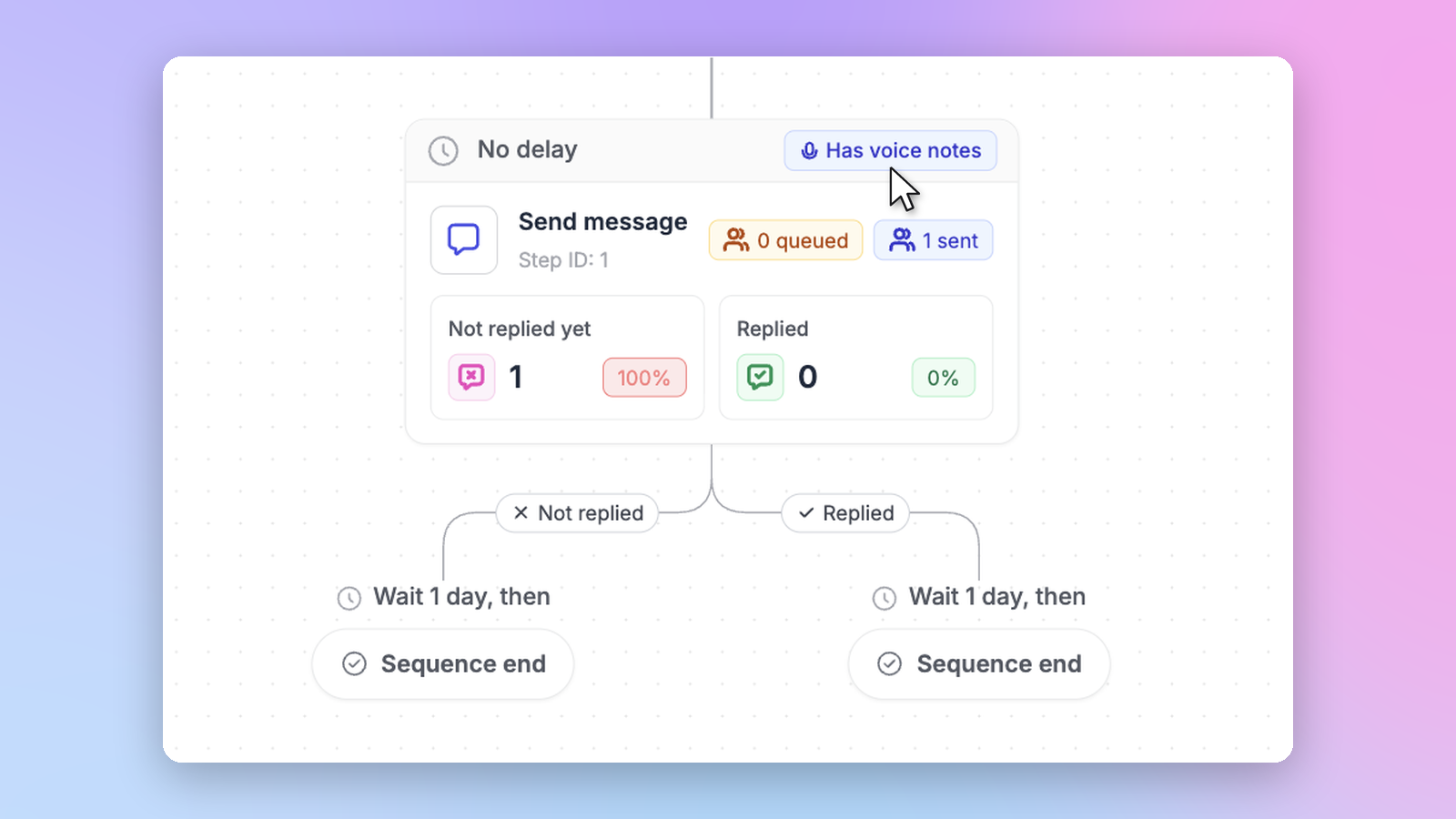
In Steps analytics, every step with a voice note gets its own badge and its own numbers.
Step 4: Hear the replies in your Unibox
Every voice note you send lands in the unified inbox. Open a conversation, hit play, read the transcript.
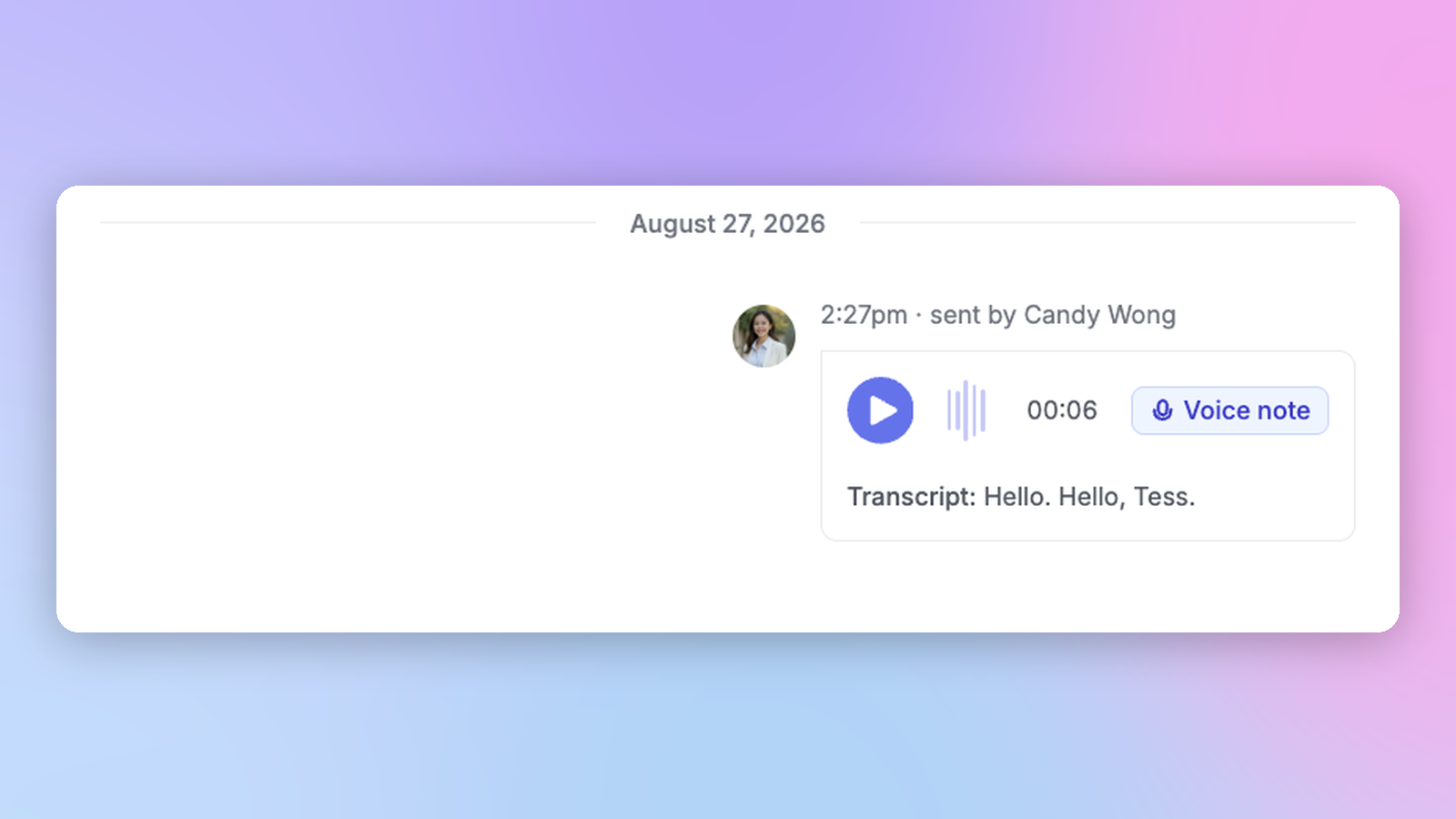
And when a lead writes back, you can record a fresh voice note for them right there from desktop. No phone, no app switching, no excuses.
Your voice. Every sender. Every lead.
Voice notes are live on all HeyReach plans, currently in beta.
Use it. Break it. Tell us what's wrong with it — that's how v2 gets built. API and MCP endpoints are coming in v2.

Try it for free