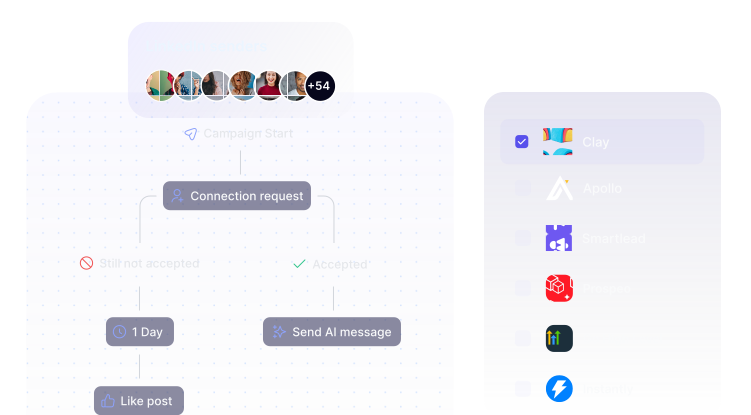
Multichannel outreach, done right
No more compromises on the tools, manual exports, and clunky handoffs. With native Instantly and Smartlead integrations, multichannel outreach finally works the way you imagined it would.

Trusted by 7,000+ companies



John Roche
Startup Partnership Manager @ Intercom

%2520(1)%25201.svg)
.svg)

Vaibhav Namburi
Founder @ Smartlead



Bill Stathopoulos
CEO @ SalesCaptain




Sönke Venjacob
Founder @ Platinum Agency









Justin Rowe
CEO @ Impactable


Kellen Casebeer
Founder @ The Deal Lab

.svg)

Emilia Korczynska
VP of Marketing @ Userpilot
.svg)






Nathan Merzvinskis
Founder @ Freckle



Frédéric Duhirel
Co-fondateur @ MirrorProfiles



Danielle L.
Co-Founder @ LinkedSDR

Send leads from Smartlead
to HeyReach
No reply via email? Want multiple touch points across email and LinkedIn? Auto-send to HeyReach and follow up on LinkedIn.
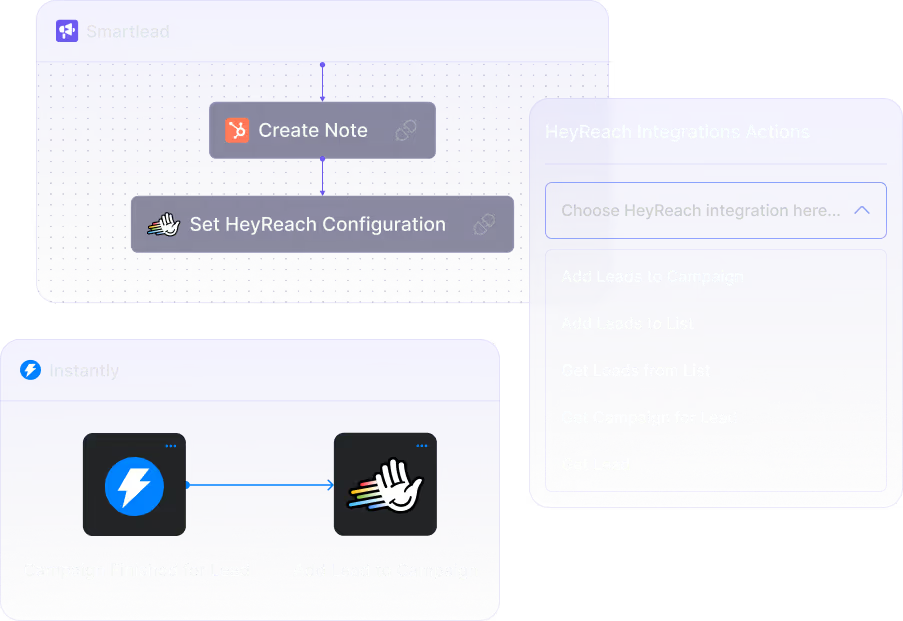
Find verified emails directly in HeyReach
Use 'Find Email' step to identify professional email addresses. Drag, drop, sync - no GTM engineer needed. Dead-simple by design, to keep you fast.
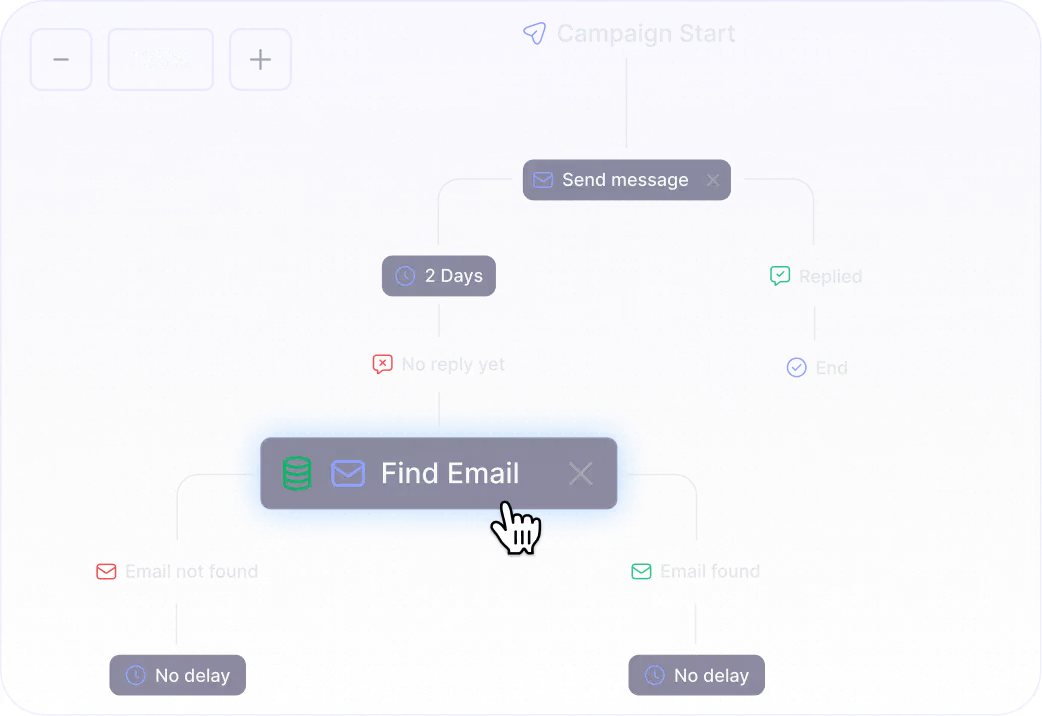
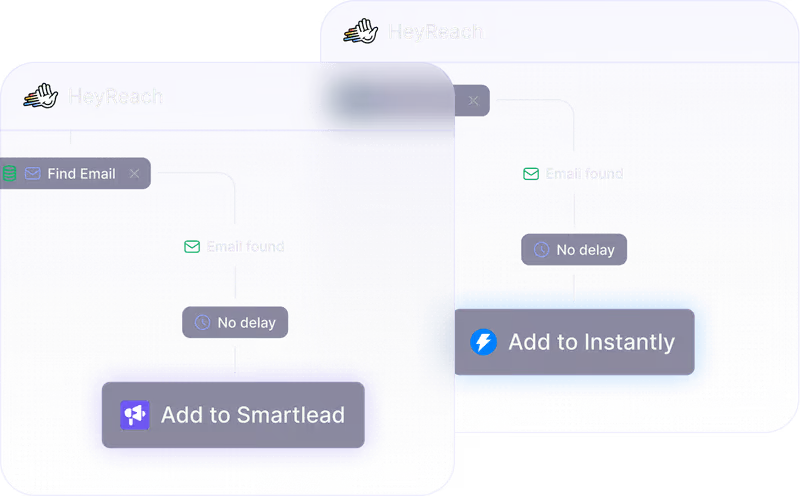
Route leads from HeyReach to
Smartlead
LinkedIn invite not accepted for 5 days? Connection accepted, but didn’t reply? Either way, auto-send them to your favorite cold email tool in a flash.
Keep your CRM clean in the process
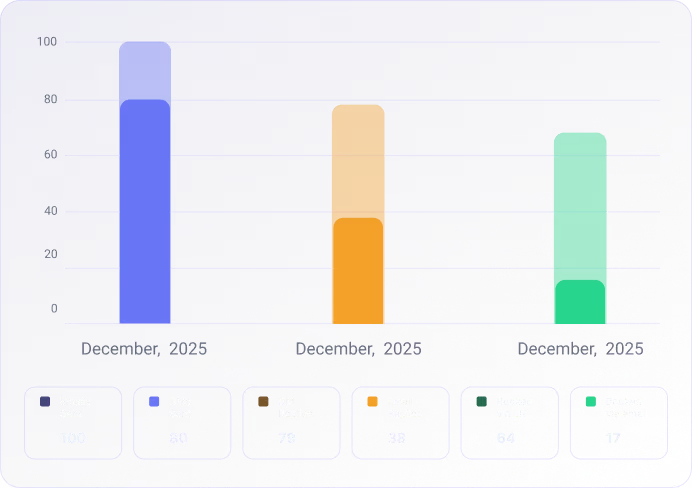
See exactly what’s working without GTM engineers and drowning in spreadsheets. Track sent messages, replies, booked meetings, and actual revenue across email and LinkedIn - all visible at the activity, contact, and company level in your HubSpot CRM.



How to start ⤵️
All your doubts, answered
Building multichannel outreach campaigns combines LinkedIn and email touchpoints to maximize response rates.
Start by connecting your LinkedIn automation tool (HeyReach) with your email platform (Instantly or Smartlead) through native integration. This creates a unified system where LinkedIn actions trigger email sequences automatically.
The most effective approach: warm up prospects on LinkedIn first (connection requests, profile views, post engagement), then follow up via email once they've shown interest. HeyReach's native integrations with Instantly and Smartlead sync lead data in both ways, meaning responses on either channel automatically pause outreach on both platforms. This prevents the awkward scenario of messaging someone on LinkedIn while simultaneously emailing them the same pitch.
Effective multichannel sequences layer LinkedIn and email touchpoints strategically rather than blasting prospects on all channels simultaneously.
Multichannel sequences should be conditional and progressive, not linear.
A high-performing structure you can steal looks like this:
1. Primary touch (Channel A)
Example: LinkedIn connection request via HeyReach.
2. Conditional follow-up
If accepted → LinkedIn message.If ignored → Email follow-up via Instantly or Smartlead after X days.
3. Cross-channel reinforcement
Reference the previous touch explicitly: “Sent you a note on LinkedIn—sharing more context here.”
4. Channel-specific pacing
LinkedIn: lower frequency, higher personalization.
Email: structured follow-ups with value-based CTAs.
5. Single reply source of truth
Replies from LinkedIn (HeyReach) or email (Instantly/Smartlead) should pause all other steps automatically.With HeyReach + Instantly or Smartlead, you create channel-native sequences that are logically connected via lead status, rather than forcing everything into one tool.
Automating multichannel outreach requires connecting your LinkedIn and email tools so they act as one system, not two separate campaigns you're manually coordinating.
With HeyReach's native integrations to Instantly and Smartlead, automation works like this:
1. LinkedIn automation via HeyReach
- Multi-account rotation
-Daily safety limits
- Centralized inbox for LinkedIn replies
2. Email automation via Instantly or Smartlead
- Smart inbox rotation
- Deliverability controls
- Automated follow-ups based on opens/replies
3. Status-based automation
- When a lead replies on LinkedIn → pause email sequence
- When a lead replies via email → stop LinkedIn actions
4. Workflow automation layer (optional)
Use Make or Zapier to:
- Sync reply status between tools
- Enrich leads before next step
- Route booked meetings to CRM
5. Fail-safes
- Automatic campaign pauses on replies
- Channel cooldowns to avoid over-touching
HeyReach handles LinkedIn scale and safety, while Instantly or Smartlead handle email volume and deliverability—together enabling fully automated, controlled multichannel outreach without spamming or overlap.
Power up your LinkedIn outbound.
Make every interaction count!
Get started for free - no credit card required.