Best LinkedIn outreach tools that integrate with Claude: The 2026 roundup
Published:
July 7, 2026
If you're running outbound in 2026, AI agents are probably already part of your workflow, and Claude is one of them.
Maybe it's writing icebreakers, rewriting follow-up sequences that aren't getting replies, or summarizing prospect research before you reach out. The more practical question now is what happens after Claude writes something useful.
How does that message actually get into a campaign? How do you move it from a prompt into a live sequence without bouncing between browser tabs, spreadsheets, and LinkedIn outreach automation tools?
In most cases, when a tool says it "integrates with Claude," what it really means is a three-step lead generation workflow:
Claude writes the message → an automation platform like n8n or Zapier passes it along → the outreach tool sends it.
This model works, but it also means you're managing multiple moving parts, and every extra layer adds potential breakpoints, and sometimes rate limit issues when APIs or automation tools get stressed.
That difference between bridge vs native connection affects the extent to which Claude can actually handle your outbound workflow for you.
In this piece, I will break down six LinkedIn automation outreach tools that integrate with Claude and where each one fits in a real outbound setup so you can make the best choice, whether you need better personalization, richer ICP data, multichannel outreach, or LinkedIn execution at scale.
Table showing 6 LinkedIn outreach tools that integrate with Claude in 2026:
1. HeyReach — the only tool Claude can work in directly
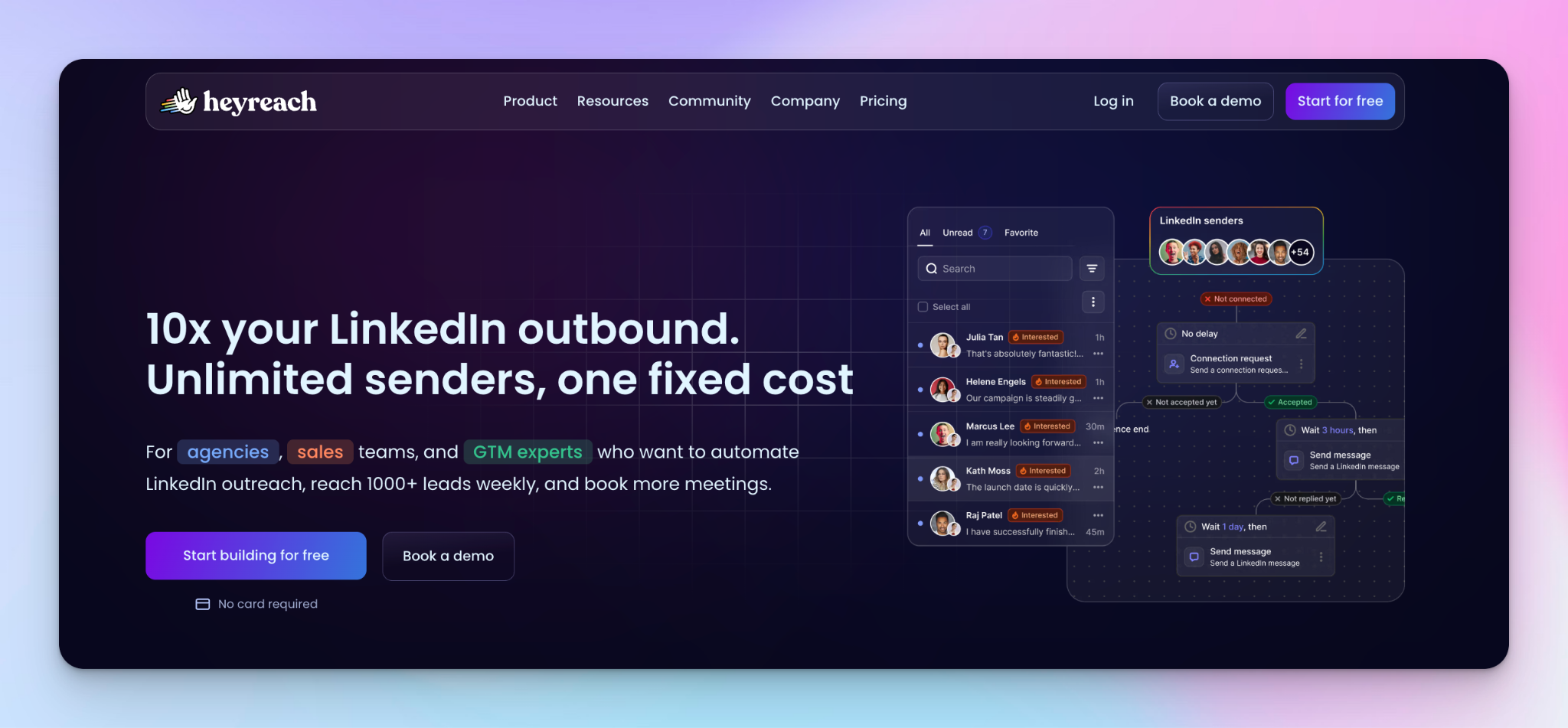
Most of the tools on the list I shared above connect to Claude through a bridge.
Claude writes the message, Zapier or n8n passes it along, and the outreach tool sends it.
HeyReach is the exception in this stack.
Instead of relying on a bridge layer, HeyReach connects to Claude through a native MCP (model context protocol) server. That means Claude can perform actions directly inside HeyReach itself.
This is where Claude starts behaving less like a tool and more like a co-worker embedded inside your LinkedIn outbound system. In practice, the Claude connection looks like this:
You tell Claude:
Pull everyone who replied in the last 7 days, tag positive replies as warm leads, draft a follow-up for each one, and move them into the Q3 Demos campaign.
Through the MCP connection, Claude can then:
- Pull replies from your HeyReach inbox
- Analyze and tag leads by sentiment
- Generate personalized follow-ups
- Move qualified prospects into the correct campaign
All without exporting data or moving between tools. This is what automated LinkedIn messaging looks like when the AI layer can actually reach the sending layer instead of just feeding it.
The same connection can be used to create prospect lists, review campaign performance, identify underperforming sequences, or configure webhooks.
HeyReach itself is built for managing LinkedIn outreach at scale. You can run multiple sender accounts, whether they're your own team's profiles or client accounts, from a single workspace, with inbox management, safety limits, and account rotation handled centrally.
If you prefer building workflows visually, HeyReach also supports n8n and Zapier. You can still use the traditional bridge setup if that’s your style. The difference is that you're not required to.
Best for: agencies and sales teams managing multiple LinkedIn accounts at scale. Unlike tools that charge per LinkedIn account, HeyReach is designed around multi-sender usage. As the number of accounts grows, the economics generally become more favorable than per-seat alternatives.
Limitation to plan around: HeyReach is focused on LinkedIn. If your outbound motion combines LinkedIn and email in the same sequence, you'll typically need to pair it with a dedicated cold email platform like Instantly or Smartlead.
2. PhantomBuster — best for feeding Claude the data it needs
Data is what makes Claude actually useful in outbound. PhantomBuster works as a LinkedIn outreach data layer and if you're building your prospect lists around buyer intent signals, this is the tool that would help turn those signals into data Claude can use.
It runs 130+ automations (Phantoms) that extract LinkedIn profiles, Sales Navigator lists, and engagement data like post likes and comments, then enriches them with company and contact details. Those signals also make customer segmentation easier. The output is a structured list of prospects with the right context attached, for Claude to generate tailored messaging.
In a typical lead generation pipeline:
PhantomBuster scrapes data → Zapier or n8n passes it → Claude writes personalized outreach → HeyReach sends it
Sales teams can also push this data into HubSpot or Salesforce before Claude generates messaging, so CRM context becomes part of the prompt.
In more technical setups, sales teams replace PhantomBuster entirely with custom scraping scripts built using Puppeteer or Playwright, often edited inside Cursor but PhantomBuster exists so you don’t have to maintain that infrastructure.
Our CMO, Vukašin Vukosavljević, wrote a PhantomBuster review that covers the Phantoms worth setting up first.
Best for: GTM teams who care about signal quality and want Claude writing from real behavioural or profile data, not static lead lists or basic CRM fields.
The limitation to plan around: PhantomBuster doesn’t send anything. Everything it collects still needs to move downstream into an outreach tool to run the actual campaign.
3. Expandi — best for behavior-triggered sequences
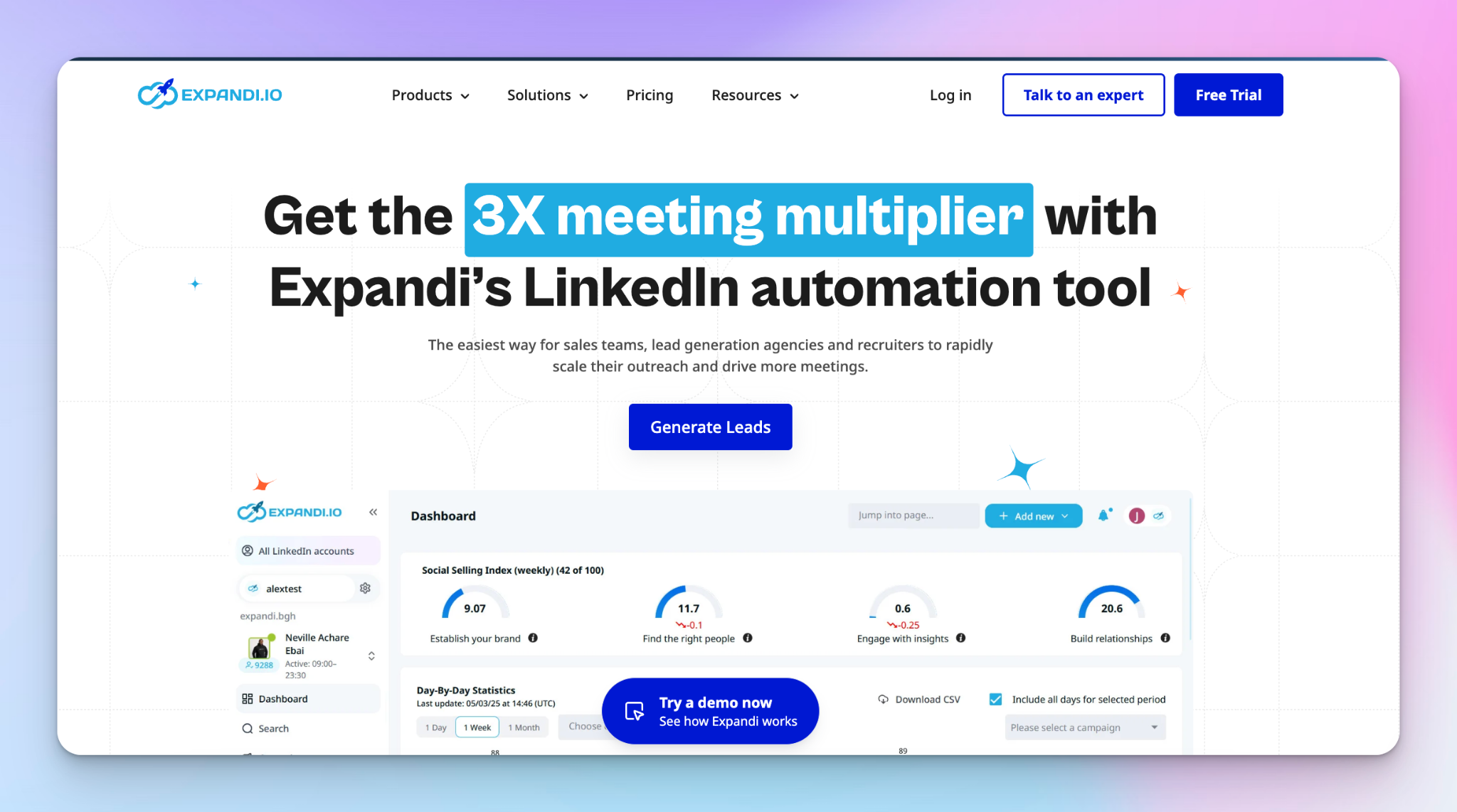
Expandi is a cloud-based LinkedIn automation tool built around branching logic.
Instead of everyone moving through the same sequence, prospects change path based on what they actually do.
Prospect accepted the connection but didn’t reply? That’s one branch.
Viewed your profile but didn’t connect? That’s another.
Engaged but went cold after step one? Different follow-up entirely.
It supports multiple actions and conditions per sequence, which makes it useful for higher-value B2B sales workflows where timing matters more than volume.
In a Claude-powered workflow, the setup looks like this:
Zapier triggers Claude → Claude writes messages → Expandi inserts them into each branch
But the real value of Expandi here is that Claude can write a different message for each outcome.
So the workflow changes slightly:
Branch A — connection accepted, no reply: Claude writes a warmer, value-first follow-up that references why you reached out.
Branch B — no reply after 5 days: Claude writes a shorter, different-angle nudge that doesn't repeat the first message.
Branch C — profile view, no acceptance: Claude writes a re-approach that acknowledges the soft signal without being heavy-handed.
Each branch gets copy written for the behavior that triggered it, rather than the same follow-up fired at everyone regardless of what they did.
This distinction matters more than many sales teams realize. In a recent HeyReach analysis of 96,051 LinkedIn outreach campaigns, the typical campaign converted only 18.1% of accepted connections into replies, while 10.7% of campaigns with accepted connections received no replies at all. The biggest breakdown we found wasn't in getting the connection requests accepted, it was in turning that acceptance into a conversation.
A scenario like this is exactly where branch-level personalization becomes valuable. Instead of sending the same follow-up to everyone, you can tailor the message based on what the prospect actually did after connecting.
We’ve written an Expandi review that goes into more depth on how to structure these conditional sequences.
Best for: SDRs running high-intent outbound sequences where response behaviour matters as much as targeting. If you’re actively adjusting messaging based on “what did they do after step one,” this is where Expandi fits.
Limitation to plan around: Expandi is priced per LinkedIn account at around $99/month.
That works fine for solo reps or tightly controlled pipelines, but it scales linearly. Five accounts means five subscriptions, and because it’s built around individual accounts rather than pooled sending, there’s no multi-sender layer underneath it.
So once you start managing outreach across multiple profiles or clients, you usually end up wanting a flatter model, which is where a solution like HeyReach start to make more economic sense.
4. Lemlist — best for multichannel sequences
So far, every tool on this list has been LinkedIn-first. Lemlist is the one built for teams whose outreach doesn't live on LinkedIn alone. It runs LinkedIn, email, and cold calling inside a single sequence, so a prospect might get a connection request, then an email a few days later, then a call task for the rep, all coordinated in one flow rather than tracked across three separate tools.
The multichannel structure here changes what Claude does in the workflow.
The setup usually looks like this:
New lead enters the sequence → Zapier triggers Claude to write: – the LinkedIn connection opener – the follow-up email subject line and body – the cold call script
Each piece gets mapped into its own step inside the Lemlist sequence.
The result is that every channel speaks in a consistent voice about the same prospect, just translated differently depending on where the prospect is seeing it. This is where Lemlist works well with signal-based outbound, where the signal that triggered the sequence informs the copy across all three channels at once. Our Lemlist review covers how the sequence builder handles the channel mix.
Best for: teams where LinkedIn is one channel of several; typically outbound motions that lead with email and use LinkedIn and calls as supporting touches.
The limitation to plan around: Lemlist's LinkedIn features are thinner than those of dedicated LinkedIn tools. It does LinkedIn as part of a multichannel sequence, but you won't get the depth of multi-account sending, rotation, and LinkedIn-specific safety controls that a focused tool provides. If LinkedIn is your primary channel, that's a real gap, and in that case, a tool like HeyReach fits better.
5. Dripify — best for simple Claude-to-LinkedIn pipeline
Not everyone needs branching logic, enrichment layers, or a full outbound system.
Sometimes you just want Claude to write a decent first line and have it show up in a LinkedIn campaign without overthinking the setup.
That’s where Dripify sits. Dripify’s Claude workflow has the lowest technical barrier on this list. There's no scraping layer to configure and no conditional branches to design, just a clean handoff from a spreadsheet to a campaign. It’s a cloud-based LinkedIn automation tool built around a simple drag-and-drop campaign builder. You map out a sequence visually, drop in your steps, and let it run.
Pricing starts at $39 per user per month on annual billing and the simplest version runs like this:
New lead added to a Google Sheet → a Zap triggers Claude to write a personalized first line → the Zap pushes that line into Dripify as a custom variable in the first message step.
Once the Zap is live, every new row in the sheet produces a Claude-written opener that lands in the campaign automatically. Our Dripify review walks through building the campaign side.
One detail worth knowing early is that the Zapier integration isn’t available on Dripify’s entry-level plan. You’ll need the Pro tier or above to connect Claude through Zapier or webhooks.
So while the starting price looks low, the actual setup cost depends on whether you want that automation layer in place.
Best for: solo SDRs or small teams who just want a working Claude to LinkedIn pipeline without building a full outbound system around it.
Limitation to plan around: Dripify doesn’t really scale beyond simple use cases.
It’s built per user, per LinkedIn account, with no real multi-account structure underneath it. That works fine when you’re running one or two pipelines but once you start thinking in terms of multiple senders, multiple clients, or shared infrastructure, the model starts to feel restrictive.
6. Waalaxy — best entry point for testing a Claude workflow
If Dripify is the simple option, Waalaxy is what you use when you’re not even sure you want a full system yet. Waalaxy is the fastest way to test whether Claude improves your outbound at all.
It’s lightweight, beginner-friendly, and comes with pre-built templates, and a setup that can be running in minutes. There’s also a free tier, which makes it easy to test the basic idea without committing budget upfront.
For a Claude workflow, Waalaxy supports the simplest possible version. The integration runs through Zapier, and the setup mirrors the Dripify one but with even less to think about:
New row in a spreadsheet → a Zap triggers Claude to write the message → Waalaxy receives it via Zapier and inserts it as a message variable in the campaign.
Waalaxy has its own native AI, Waami, built into the tool. You don’t have to use it. If you'd rather run Claude, you can bypass Waami and route through Zapier as above, which is the setup most teams testing Claude specifically will want. Our Waalaxy review covers the template library and where Waami fits if you do want to try it.
Best for: solopreneurs, freelancers, and small teams who want to test signal-based Claude messaging before scaling up
The limitation to plan around: Waalaxy is Chrome extension–based, which is the trade-off behind its low barrier to entry. Because it runs in your browser, your machine has to stay on for campaigns to run, and at higher volume, extension-based tools generally carry more account risk than cloud-based setups.
That’s fine when you’re testing or running low-volume outreach, but once you start caring about scale, stability, or account safety, a cloud-based platform is the safer home for your workflows.
How to choose the best LinkedIn Claude Platform for your needs
You’ve seen the six tools and how each one plugs into Claude.
The practical question is which one fits your situation, and that usually comes down to a single deciding factor: what you most need the workflow to do. Find the row that matches where you are, and the tool follows.
A few of these aren't either/or; they stack. For example,PhantomBuster gathers the data, Claude writes from it, and HeyReach sends it; that's three rows of this table working as one pipeline. The same is true at the small-team end: many people start by validating the workflow on Waalaxy's free tier, then move to a more robust tool once they've seen the reply rates hold up.
The more accounts you're managing, the more it matters that Claude can act on all of them directly instead of through a separate zap for each. That’s why using a setup like HeyReach matters in practice, it removes unnecessary steps instead of adding them, and at scale, that difference is usually what separates something that’s usable from a sales orchestration system that constantly needs babysitting.

Try it for free
Frequently Asked Questions
Which LinkedIn outreach tools integrate with Claude?
HeyReach, PhantomBuster, Expandi, Lemlist, Dripify, and Waalaxy all do. The difference is how. HeyReach connects through a native MCP server, which lets Claude take actions inside the tool directly. The rest rely on a bridge setup (Zapier or n8n), where Claude generates output and another tool passes it into your campaign.
What’s the difference between MCP and Zapier integrations with Claude?
A Zapier integration is a handoff. Claude writes a message → Zapier moves it → your outreach tool sends it. Claude never interacts with the tool itself. It’s just producing text that gets passed along. An MCP integration is direct. Claude connects to the tool and can actually operate inside it, pulling data, tagging leads, building campaigns, or pushing prospects into sequences using plain English instructions. On this list, HeyReach is the only tool using that MCP approach.
Which tool has the lowest setup time for a Claude + LinkedIn workflow?
Waalaxy. It’s the fastest way to test the idea without overthinking setup. Pre-built templates, a visual builder, and a free tier mean you can get a basic campaign running in minutes.
Do I need to know how to code to connect Claude with HeyReach?
No. The MCP setup is essentially copy and paste. Each workspace generates a connection key; you drop it into Claude once, and the connection is live. After that, you just give Claude instructions in plain language, and it executes actions directly inside HeyReach.
Which tool is safest for LinkedIn account health?
HeyReach is the strongest option on this list for account safety, and the reason comes down to how it's built. It manages safety limits and account rotation across multiple senders rather than hammering a single profile. That matters because the fastest way to get flagged is unnatural, concentrated activity on one account