7 best Expandi alternatives for scaling LinkedIn outreach in 2026
Published:
August 31, 2026
Let me guess: You were using Expandi and got some nice results, and then when you wanted to scale, you found out that if you add one more account (team member or client), it will cost you +99$/month per seat. Additionally, any new LinkedIn account you would add requires additional time while you do another warm-up, create another inbox, and all of this within a fragmented workflow.
Expandi also offers custom enterprise pricing for lead generation teams who are running on more than 10 accounts, but rigid seat-based pricing models make agency owners grunt and look for LinkedIn outreach alternatives that are more transparent and flexible.
But what about users who don’t want to scale their agencies?
According to reviews on G2 and Capterra, users often leave when they encounter frustration with external CRM integrations, not-so-intuitive navigation, or account security concerns. For the latter, these are claims from users who shared their experiences on review platforms, not our findings, and account risk is related not only to the tool you use but also to outreach hygiene.
To save you the headache of testing and trying trials that are too short for anyone to really notice what is going on within one tool, our team tried and reviewed many LinkedIn outreach tools such as Lemlist, Waalaxy, Dripify, etc. In this article, we will share our findings on LinkedIn outreach tools we consider valid Expandi alternatives for different use cases.
Before I get into explaining each Expandi alternative, check out this table for context on price and best use.
Prices normalized to USD at current exchange rates for easy comparison; lemlist's Email plan is priced per workspace with unlimited users; its Multichannel plan is per user. Check each vendor's live pricing page for exact local pricing.
1. Lemlist: Best if you want more channels, not more LinkedIn
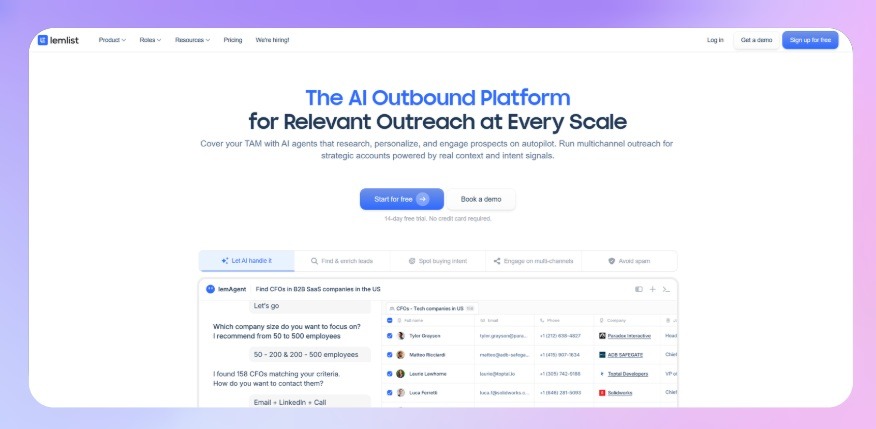
If what you're really after is running several channels from one place, Lemlist is where I'd start. It fires cold email outreach, LinkedIn, calls, and WhatsApp inside a single sequence, and the personalization is the best in this group — custom images, dynamic variables, liquid syntax that goes well past "Hi {{firstName}}." It also supports A/B testing on your copy, so teams running blended cadences can see which variant lands before scaling it. For a team running blended cadences where every prospect gets a layered touch, that's the pull. If you want to see how those channels stitch into one sequence, we mapped the approach in our multichannel outreach guide.
Best for: solo operators and small SDR teams running true multichannel cadences — one to five named senders, each working their own book — who want deep personalization and will pay a premium for it.
Limitation to plan around: the Multichannel plan is priced per user, around $109 a month each ($87annually). Five senders is five seats, and that will cost you $545a month, but there's no pooled multi-account layer underneath. So it fits a handful of named reps, not a fleet of rotating LinkedIn accounts. The Email-only plan is priced at $69/mo for workspaces, with unlimited users, but that tier drops the LinkedIn and calling steps that were the main reason to pick Lemlist after Expandi.
2. HeyReach: The only LinkedIn automation tool here that rotates across accounts automatically
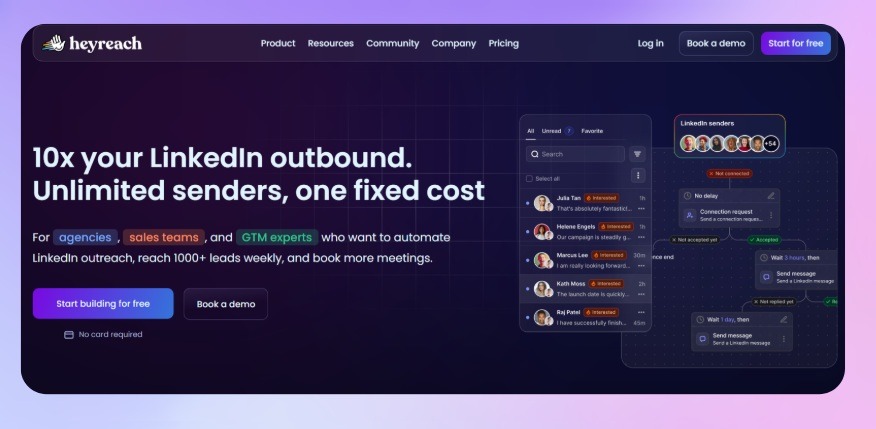
Every other tool on this list ties one license to one LinkedIn account. Run outreach from five profiles and you're managing five setups: five warm-ups, five sets of daily limits, five inboxes. HeyReach doesn't work that way.
It rotates outreach automatically across every connected sender in a campaign. The load spreads instead of hammering one profile, and accounts stay inside LinkedIn's daily limits without anyone tracking it by hand. In practice it looks like this:
- Outreach rotates automatically across every connected LinkedIn account
- Each account stays within its own daily limits with no manual tracking
- Every reply, from every sender, lands in one shared smart inbox we call Unibox, and you can sort and tag with your own tags
- Agencies get a rollup across client workspaces through Masterview, which doubles as the backbone for monthly client reporting — white-label, so reports go out under your own brand rather than HeyReach's — and there's no exporting CSVs into a deck by hand.
And if you'd rather hand the busywork to an AI agent, HeyReach connects to Claude directly through MCP. One more thing centralized instead of stitched together per account.
Best for: teams and agencies running lead generation through multiple LinkedIn senders who want flat, transparent, per-sender pricing instead of a per-account bill that climbs every time someone joins the team
Limitation to plan around: HeyReach doesn't send cold email natively. Mixing LinkedIn and email in the same motion means pairing it with Instantly, Smartlead or EmailBison, plus enrichment through tools like Clay. That's another subscription, though those tend to price flat rather than per account. If a single login for LinkedIn and email matters to you more than multi-account safety, weigh that trade-off first. That's the catch, and I'd rather name it than bury it.
3. Waalaxy: Best affordable way to find out if you even want this
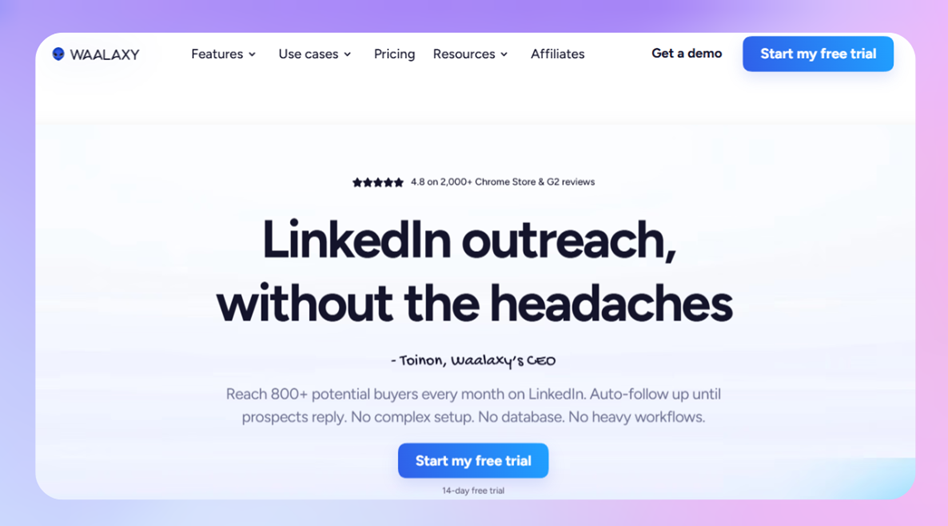
Waalaxy is where I'd point to a beginner whose real constraint is budget. It runs as a Chrome extension, starts at $16 per month, and ships with enough pre-built templates that your first campaign can be live in minutes. If you're not yet sure LinkedIn automation is worth paying for, it's a low-risk way to find out, and every plan comes with a 14-day trial. Our Waalaxy review goes deeper on the template library and where the extension model starts to strain.
Best for: solo users and beginners who want the cheapest way to test LinkedIn automation before committing real budget.
Limitation to plan around: it's extension-based, so there's no 24/7 cloud execution. Your machine has to stay on and connected for anything to send. Email and true multichannel sit behind the Business plan ($55/user/mo), and the entry tiers ship with a token 25 email-finder credits a month, so the headline price hides what email-paired outreach actually costs. The moment volume or account safety matters more than price, that browser dependency is the first thing you outgrow.
4. Skylead: Best for cloud-based sequences that branch
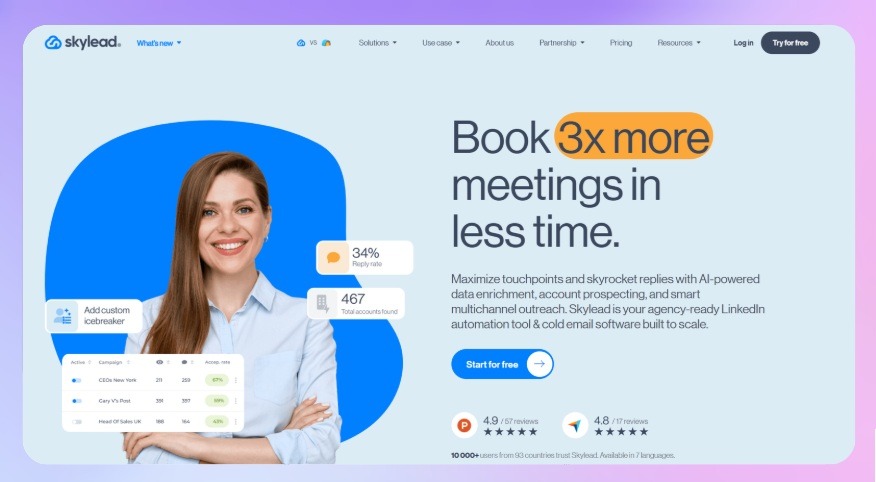
Skylead sits close to Expandi's own turf: cloud-based, built around smart sequences that branch with if/else logic across LinkedIn and email. It pulls prospects straight from a Sales Navigator search or a CSV, then a prospect who accepts but doesn't reply gets routed down a different path than one who ignored the request, and it layers email discovery and image personalization on top.
Best for: solo users and small teams who want Expandi-style conditional multichannel sequences running in the cloud, without babysitting a browser extension.
Limitation to plan around: Skylead is priced per seat, and like Expandi each seat maps to a single LinkedIn account, so there's no pooled rotation underneath. Connection-request and activity limits shift over time and vary by account, so treat any specific daily number as roughly indicative and check Skylead's current limits rather than trusting a figure from some comparison post. At agency scale, the per-seat model hits the same wall that sends people looking for Expandi alternatives in the first place.
5. Linked Helper: Best for keeping your data off the cloud
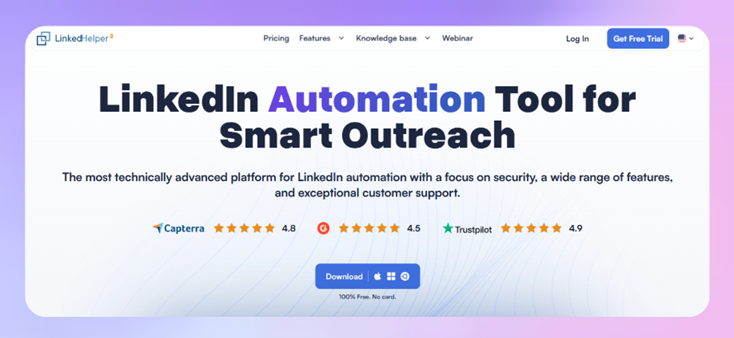
Every other tool here runs your outreach through someone else's servers. Linked Helper runs as a desktop app on your own machine, so the profile data it collects stays local instead of sitting on a vendor's cloud. For teams with real data-handling concerns, or who just don't want LinkedIn activity routed through a third party, that's a specific and legitimate reason to pick it. It's also the cheapest full-featured option here. Standard covers messaging and data collection, including pulling targeted lists from LinkedIn Sales Navigator, while Pro adds AI-generated messages and exports on top. Our Linked Helper review covers setup and where the desktop model shows its limits.
Best for: solo users or small teams who want the lowest-cost full-featured option and don't mind running a desktop app instead of a cloud dashboard.
Limitation to plan around: there's no unified inbox, so replies live inside LinkedIn's own inbox, and there's no multi-sender rotation. Because it runs locally, outreach stops the second you close the app, and running it can drag down whatever machine it's on.
6. Dripify: Best for the simplest single-account builder

Dripify is the cleanest, most approachable tool in this group: a visual drag-and-drop sequence builder, cloud-based sending, and a safety pitch built on dedicated IPs and gradual warm-up. It recently added a native HubSpot CRM integration on Pro and up, which makes it a tidier fit for teams that live in HubSpot. It's easy to learn and cheap to start, around $39 per user per month on annual billing for Basic. If you want a straight comparison against Expandi, we wrote the full Expandi vs Dripify head-to-head, and our Dripify review covers the builder in detail.
Best for: solo users or small teams who want the simplest possible visual builder for a single LinkedIn account, with a clean HubSpot connection.
Limitation to plan around: Dripify's own FAQ says it plainly — each seat connects one LinkedIn account, which is the exact ceiling this whole article is about. And on HubSpot specifically: HeyReach has a native HubSpot CRM integration too, plus a public API, webhooks, and MCP, so "but Dripify does HubSpot now" isn't the differentiator. Both do. The difference is the multi-account rotation and unified inbox sitting underneath, which Dripify's single-account model doesn't have.
7. Meet Alfred: Best for outreach that spans more than LinkedIn
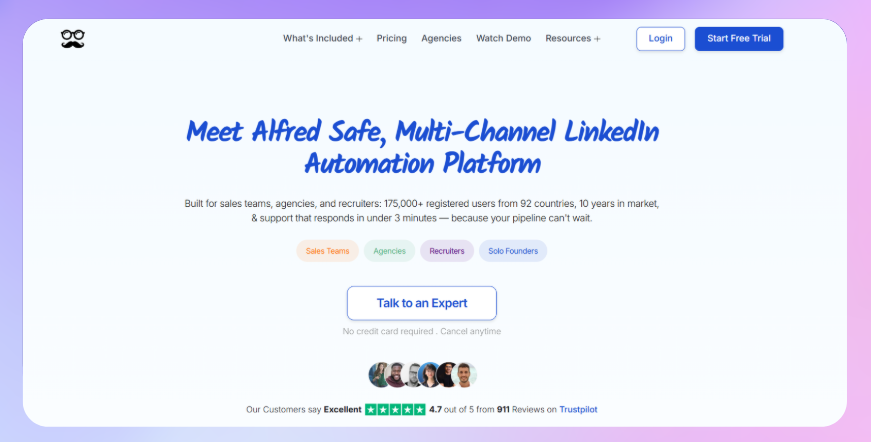
Meet Alfred runs outreach across LinkedIn, X, Facebook, and Instagram, with email automation in the mix, all from one dashboard with team features,CRM integration and a template library. If your motion genuinely spans several social networks rather than living on LinkedIn alone, that breadth is the reason to look. Our Meet Alfred review breaks down how each channel connects.
Best for: teams whose outbound genuinely spans multiple social platforms, not just LinkedIn, and who want to run it from one place.
Limitation to plan around: spreading across platforms means more surface area to manage and configure, and the tool rewards teams who truly need that spread over ones who'd be fine on LinkedIn alone. Like the others, it's built around per-account setups rather than pooled rotation, so its strength is reach across platforms, not depth on any single one.
Pricing at scale: Where the per-account math breaks
If you're weighing these against Expandi, the deciding factor is almost always one question: what happens to your bill as you add accounts?
Per-seat and per-account tools all share the same shape. Every new LinkedIn account is another full subscription. On Expandi at roughly $99 an account, or lemlist's Multichannel at $109 a seat, ten accounts already puts you in four figures a month, and the line only climbs from there. Somewhere around 50 LinkedIn accounts, per-account pricing on tools built this way runs into the low thousands per month.
HeyReach's Agency plan covers 25 senders for a flat $999/month, and the Unlimited tier drops the sender cap entirely at $2,999/month. That's the whole point of pricing around senders instead of seats: the math gets better as you scale, not worse. It's the one structural thing per-account tools can't copy without rebuilding their model.
How to choose the best Expandi alternative?
If you're still deciding between these Expandi alternatives, it usually comes down to the actual constraint you're solving for right now.
The gap that's easiest to underestimate is what happens to per-seat pricing at agency scale, the same wall that sent you looking past Expandi in the first place. If that's your constraint, pricing around senders instead of seats is the thing that inverts the math.

Try it for free
Frequently Asked Questions
What's the best Expandi alternative for agencies?
HeyReach is built specifically for that use case: per-sender pricing, automatic rotation across accounts, and one dashboard for managing multiple client workspaces. It's the one on this list designed around running many LinkedIn accounts together rather than one at a time.
Is there a cheaper alternative to Expandi?
Yes, several. Waalaxy starts around $16/user/mo (~$21) and Linked Helper around $15/mo, both well under Expandi's roughly $99/account. Waalaxy also has a 14-day free trial. Just note the trade-offs: both lean on a browser or desktop app rather than full cloud execution, and neither pools accounts the way an agency-scale setup needs.
Why do teams switch away from Expandi?
Almost always the per-account, single-account model. Expandi is capable, but every LinkedIn account is its own subscription, warm-up, and inbox, with nothing rotating activity or unifying replies across them. Teams outgrow that the moment they add a second account or a second teammate. Recruiters hit the same wall fast, since they often run several LinkedIn profiles in parallel, and the cost curve steepens from there.
Is Expandi safe to use for LinkedIn automation?
Expandi follows the usual safety practices, dedicated IPs, gradual warm-up, and daily activity limits. Some users have reported account restrictions in third-party reviews, but those are user-reported experiences rather than anything we can state as fact. The bigger safety question is usually structural: how many accounts you're running through one setup with no rotation between them. In our benchmark data, acceptance rates held up as volume scaled, which points to setup discipline mattering more than raw volume.
What's the difference between Expandi and HeyReach?
Expandi licenses one user to one LinkedIn account, with LinkedIn and email steps in the same sequence. HeyReach is built around running many LinkedIn accounts together, with automatic rotation and one shared inbox, but it doesn't send email natively, you'd pair it with a tool like Instantly or Smartlead for that. Put simply: Expandi is a strong single-account tool; HeyReach is multi-account infrastructure.