The best LinkedIn management tools for scaling outreach without getting banned
Published:
February 27, 2026
Updated:
June 13, 2026
LinkedIn generates more pipeline for B2B sales teams than any other channel right now. It also generates more chaos.
Missed follow-ups, a flooded inbox across multiple accounts, automation flags, leads falling through the cracks, all of it adds up fast. The sales teams winning on LinkedIn are not working harder. They have better tools.
That’s why I created a breakdown of LinkedIn management tools worth considering in 2026, organized by what problem each one actually solves.
LinkedIn management tools comparison matrix
Before diving in, here's a quick overview of how these tools stack up across the dimensions that matter most:
Best LinkedIn management tools for agencies
Agency use cases are fundamentally different from solo or team outreach. You're managing multiple clients, multiple LinkedIn identities, and often dozens of simultaneous campaigns, all without letting them bleed into each other. The tools below are built with that reality in mind.
What agencies actually need:
- Sender rotation across multiple LinkedIn accounts, so no single profile bears the full outreach load
- Workspace isolation to separate client data, campaigns, and inboxes without cross-contamination
- A unified inbox so account managers can monitor all conversations in one place
- White-label or client-facing reporting to demonstrate ROI without exporting spreadsheets
- Anti-duplication logic so two senders never contact the same prospect
Top picks for agencies
- HeyReach is the strongest fit for pure LinkedIn outreach agencies. Its workspace architecture lets you run separate environments per client, while sender rotation distributes activity across unlimited LinkedIn accounts. The Agency plan ($1,399/mo for up to 50 senders) is purpose-built for this use case.
- LaGrowthMachine is better suited to agencies doing multi-channel outreach — combining LinkedIn, email, and Twitter/X in a single workflow. Its identity-based pricing (from €50/identity/mo) keeps costs predictable as you scale client accounts.
- Clay is not an outreach tool but deserves a mention here: agencies that build custom lead enrichment workflows for clients will find it indispensable for producing high-quality, pre-enriched prospect lists before campaigns go live.
How to safely manage multiple LinkedIn accounts
This is the most common reason sales teams and agencies explore LinkedIn management tools, and the most misunderstood.
LinkedIn actively monitors accounts for unnatural activity patterns: too many connection requests within a short window, identical message templates sent at the same time, or logins from multiple geographic IPs within the same session. Get flagged, and you risk a temporary restriction or a permanent ban.
Here's what safe multi-account management actually looks like:
- Use dedicated proxies per account. Each LinkedIn account should operate from its own stable, country-appropriate IP. Never share proxies between accounts. Tools like HeyReach automatically assign dedicated residential proxies to each sender.
- Warm up new accounts before adding them to campaigns. A fresh account that immediately starts sending 50 connection requests per day looks like a bot. Spend 2–4 weeks building up activity gradually: visiting profiles, engaging with posts, sending a few manual messages.
- Respect daily limits per account, not just in aggregate. LinkedIn's internal limits apply at the account level. Even if your tool technically allows 500 connection requests per day across 10 accounts, each individual account should stay well under 20–25 requests per day.
- Distribute outreach through sender rotation. Rather than pushing one account hard, spread volume across multiple senders. HeyReach's auto-rotation system does this automatically, connecting a campaign to multiple senders and distributing requests proportionally.
- Run campaigns from the cloud, not a browser extension. Chrome extension-based tools run from your local machine and your IP. Cloud-based tools run on dedicated infrastructure, with consistent IPs and no need to keep a browser open.
- Use anti-duplication logic. In a multi-sender environment, the same prospect can receive messages from multiple team members. Tools like HeyReach include workspace-level deduplication to prevent this.
- Monitor accounts actively and pause at the first sign of trouble. If an account hits a warning or weekly limit, pause its campaigns immediately. Good tools do this automatically and redistribute the workload to other senders.
Best LinkedIn management tools for safe and high-volume automation
These tools focus on bypassing standard limits safely, often by rotating between multiple accounts or using cloud-based "human behavior" simulation.
HeyReach
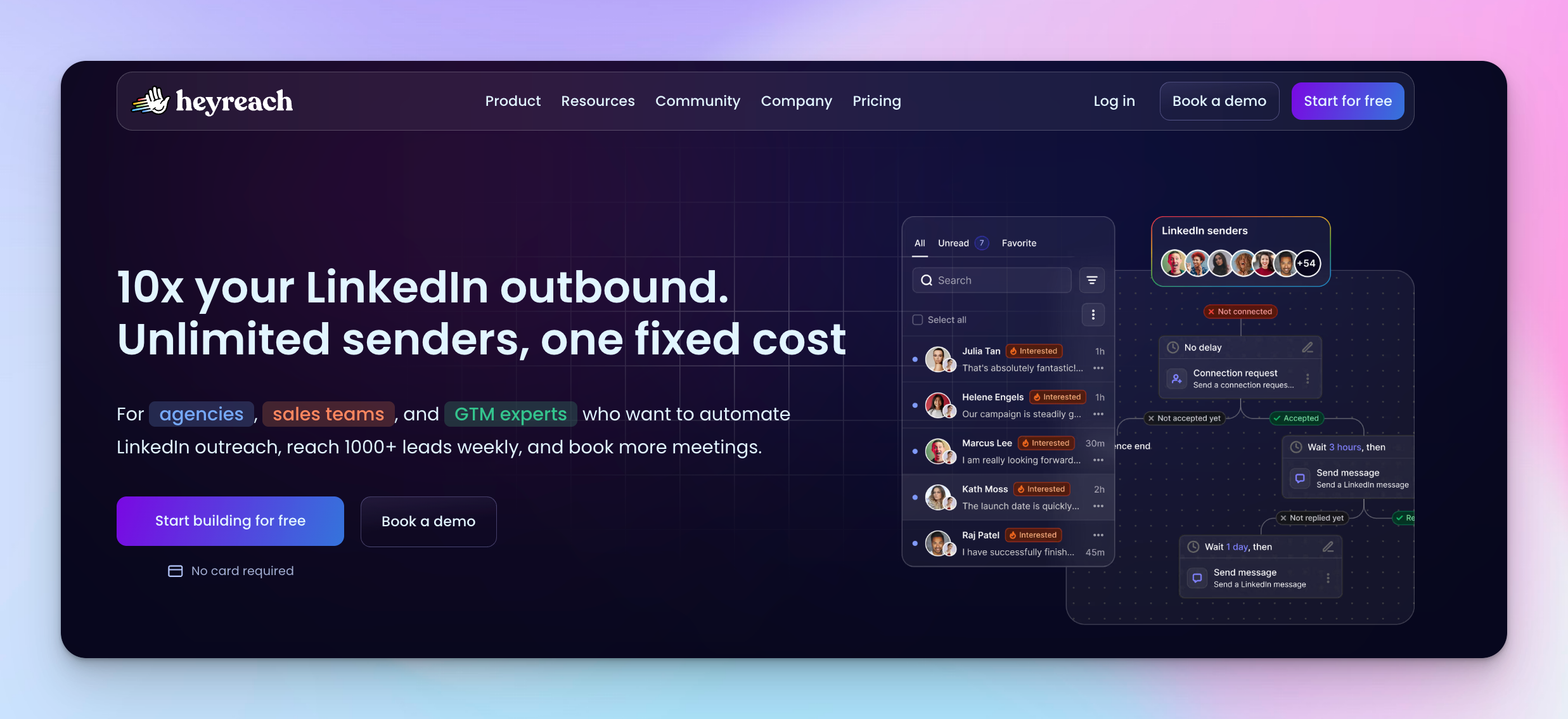
HeyReach is the premier all-in-one LinkedIn automation tool for sales teams and lead gen agencies looking to scale without the risk of bans.
Unlike traditional tools that force you to operate from a single LinkedIn account, HeyReach uses a sophisticated multi-seat auto-rotation system. This allows you to connect an unlimited number of senders to a single outreach campaign, distributing the workload across multiple profiles to stay safely within LinkedIn limits.
Simulating human behavior through a cloud-based infrastructure and dedicated residential proxies, it ensures your outreach efforts remain consistent and secure, effectively turning your LinkedIn presence into a high-performance autopilot for growth.
Beyond mere automation, HeyReach solves the inbox chaos that typically plagues high-volume LinkedIn lead generation. This dashboard consolidates every conversation from all connected profiles, allowing SDRs to manage hundreds of replies in one place. With the power of MCP, you can instruct an AI to triage this inbox, categorizing response rates as positive or follow-up in real-time.
Whether you are extracting leads from Sales Navigator or syncing data to HubSpot and Pipedrive, HeyReach provides the technical infrastructure to optimize your entire sales funnel on autopilot.
Key features:
- Multi-account sender rotation: Spread outreach campaigns across unlimited seats while keeping each sender safely under LinkedIn limits.
- Unified Inbox: Manage all LinkedIn messages and follow-up messages from every connected account in one shared inbox.
- MCP integration: Connect LLMs (Claude/ChatGPT) to perform "list hygiene" (cleaning 20k+ lead lists in minutes) and automated enrichment.
- AI-powered icebreakers: Use MCP to read LinkedIn profiles and write hyper-personalized connection requests at scale.
- Cloud-based automation: Campaigns run 24/7 without a Chrome extension or keeping a browser open.
- Native integrations: Deep hooks into Clay, n8n, Zapier, and CRM platforms like Pipedrive.
- Workspace structure for teams and agencies: Separate clients, campaigns, and LinkedIn accounts to avoid overlap and data mix-ups.
- Anti-duplication logic: Prevents the same lead from receiving automated messages from multiple senders.
- Campaign rescheduling and recovery: Automatically pauses, resumes, and redistributes outreach when accounts hit limits.
Pros:
- Scales LinkedIn outreach safely across many accounts instead of pushing one LinkedIn account too hard
- Sender rotation keeps connection requests and follow-up activity under LinkedIn limits
- Unified Unibox removes inbox chaos and makes LinkedIn messages manageable at high volume
- Built for teams and agencies, not solo users pretending to scale
- No Chrome extension, no local browser dependency, fully cloud-based
- Strong fit for multi-seat workflows where SDRs, managers, and clients all need access
- Prevents duplicate outreach across senders at the workspace level
- Clear dashboard for tracking response rates, reply rates, and campaign performance
- Works well with CRM setups like HubSpot and Pipedrive without manual copy-paste
- Flat-fee pricing favors growth once volume increases
Cons:
- Not designed for solo founders or low-volume users who only manage one LinkedIn account
- Initial setup takes time when connecting multiple accounts and proxies
- Best results assume a disciplined warm-up and realistic daily limits per sender
- Advanced agency features are behind higher-tier pricing
Pricing:
HeyReach uses flat-fee pricing based on the number of senders. Billing is available monthly, quarterly (15% discount), or yearly (25% discount).
- Growth: $79/month — 1 sender
- Agency (25 senders): $999/month — up to 25 senders
- Agency (50 senders): $1,399/month — up to 50 senders
- Unlimited: $2,999/month — all Agency features, expanded capabilities (demo required)
A free trial is available.
Best for: High-volume team outreach, lead gen agencies, and multi-account scaling
Expandi
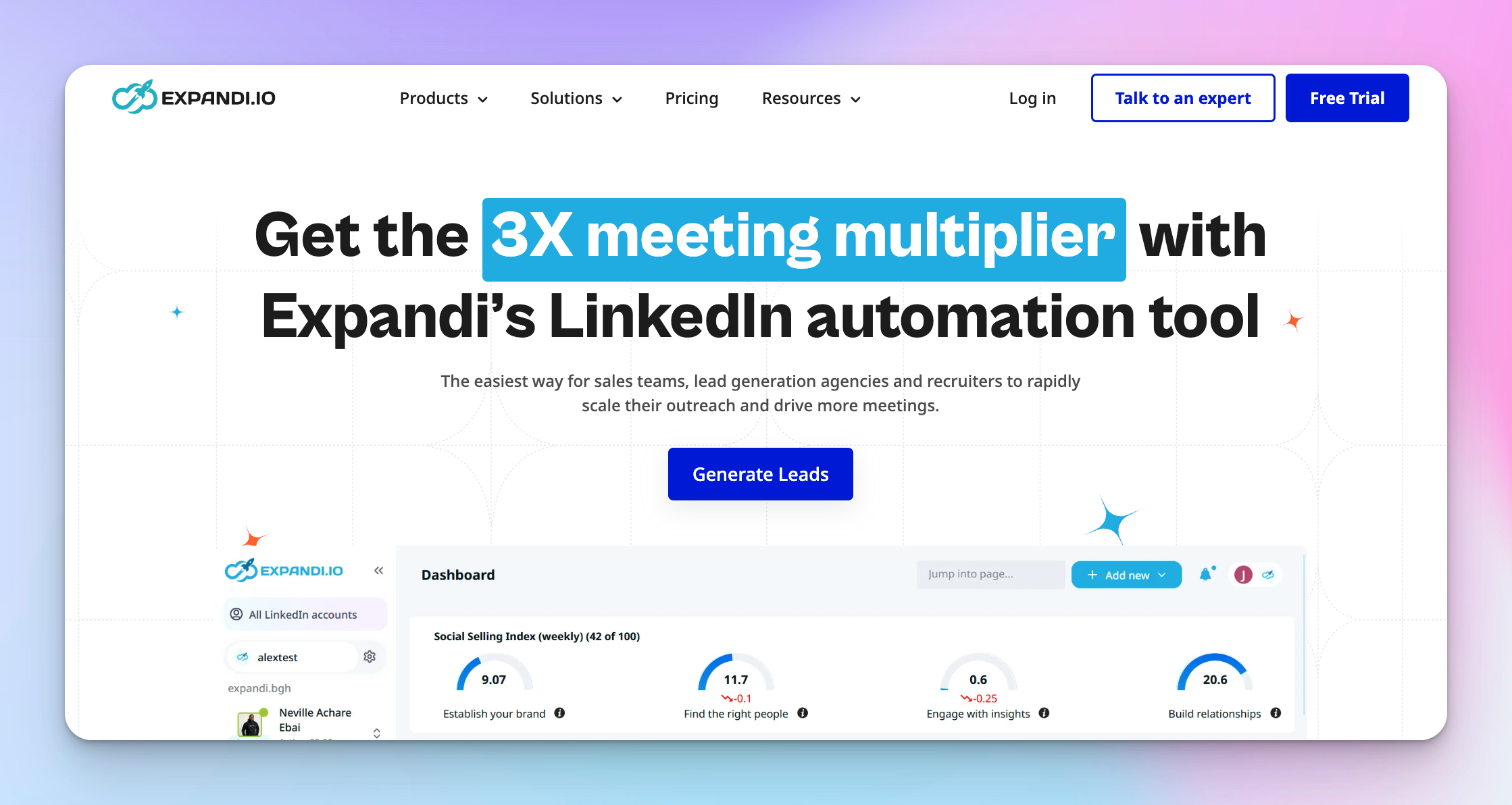
Expandi is built for sales teams that care more about precision than raw volume. It focuses on sending fewer messages, but doing them better.
Instead of blasting connection requests, Expandi helps you run smart, behavior-based LinkedIn outreach that adapts to how prospects actually react. This makes it a popular LinkedIn automation tool for SDRs who work with high-value accounts and need strong response rates, not just activity.
What makes Expandi stand out is how closely it tries to copy real human behavior on LinkedIn. It runs in the cloud, uses a dedicated IP per LinkedIn account, and spaces actions naturally throughout the day. You can build workflows that change based on profile views, replies, or LinkedIn post engagement, then trigger follow-up messages only when it makes sense.
For sales teams using LinkedIn Sales Navigator and aiming for personalized messages that convert, Expandi feels more like a sales assistant than an autopilot.
How it compares to HeyReach and Waalaxy: Expandi sits in the middle ground. While HeyReach is built for multi-account agency scale and Waalaxy is designed for simplicity, Expandi is the strongest option for SDRs running high-value, behavior-driven sequences where personalization and account safety are priorities. It is not built for volume, but for conversion.
Key features:
- Smart sequence builder: Create if-then workflows that change based on profile views, replies, or engagement.
- Cloud-based automation: Runs 24/7 without a Chrome extension or local browser.
- Dedicated IP per account: Each LinkedIn account gets a stable, country-based IP for safer activity.
- Behavior-based follow-up: Send follow-up messages only when prospects take specific actions.
- Advanced personalization: Support for personalized messages, images, and video inside LinkedIn messages.
- Sales Navigator support: Works smoothly with LinkedIn Sales Navigator searches and lists.
- Built-in safety controls: Automatic pacing, warm-up, and daily limit management.
- Reply sentiment tagging: Categorizes replies to help SDRs prioritize follow-up.
- CRM integrations: Native sync with HubSpot and Pipedrive, plus webhook support.
- Clean campaign dashboard: Track acceptance rate, response rates, and campaign performance in real time.
Pros:
- Excellent for high-quality LinkedIn outreach where personalization matters
- Smart workflows adapt automatically based on prospect behavior
- Dedicated IP per LinkedIn account improves long-term account safety
- Cloud-based setup runs without a Chrome extension or manual babysitting
- Strong support for LinkedIn Sales Navigator users
- Advanced personalization options boost response rates
- A clean dashboard makes campaign performance easy to understand
- Native CRM integrations reduce manual data entry
- Good balance between automation and human-like activity
Cons:
- Pricing is per LinkedIn account, which adds up as sales teams grow
- Not built for very high-volume, multi-account outreach at scale
- Limited lead sourcing outside LinkedIn search and Sales Navigator
- Less suitable for agencies managing many clients in parallel
- Advanced workflows take time to set up correctly for new users
Pricing:
Expandi offers a seat-based pricing model with a 7-day free trial available on the Business plan. You can switch to annual billing to get 2 months free compared to monthly pricing.
- The Business plan costs $99 per month per account.
- For larger teams, Expandi offers an Agency plan with custom pricing for 10+ seats.
Best for: Personalized LinkedIn outreach for SDRs and high-value sales
PhantomBuster
PhantomBuster is very different from classic LinkedIn management tools. It is not focused on conversations or inboxes. It is focused on data.
It is great for teams that want to extract leads, profiles, job titles, company names, and activity from LinkedIn and many other platforms. You can think of it as an automation engine that feeds your sales and marketing systems with fresh data, not a tool that closes deals by itself.
PhantomBuster works using small automation scripts called Phantoms. Each Phantom does one job, like exporting a LinkedIn search, researching profiles, or sending a limited number of connection requests. You can chain them together into workflows that pull data, enrich it, and push it into a CRM or CSV file. This power comes with complexity. It relies on browser session cookies, requires careful setup, and needs active monitoring.
For GTM engineers, growth hackers, and technical teams, PhantomBuster is extremely flexible. For non-technical sales teams, it can feel heavy and unforgiving if misused.
Key features:
- Phantoms (modular automation scripts): Each Phantom performs a specific task like researching profiles, exporting searches, or sending automated messages.
- LinkedIn search and Sales Navigator extraction: Export large lead lists from LinkedIn search and LinkedIn Sales Navigator into CSV files.
- Multi-platform data: Pull data from LinkedIn, Twitter, Instagram, Google Maps, and other social media sources.
- Workflow chaining: Connect multiple Phantoms into step-by-step workflows for enrichment and automation.
- Email discovery and enrichment: Find verified business emails linked to LinkedIn profiles.
- Intent signals: Identify prospects showing buying signals across platforms.
- AI filtering and writing: Built-in AI credits for lead filtering, enrichment, and message generation.
- Real-time lead sourcing and enrichment: Daily and scheduled auto-refresh keep lead data current.
- Cloud-based execution: Automations run on PhantomBuster servers instead of your local machine.
- Execution time controls: Plans are governed by monthly execution hours, not seat count.
- CRM and data exports: Push data into crm tools or export directly as CSV files.
- Quick save Chrome Extension: Save profiles directly from LinkedIn into your workflows.
Pros:
- Extremely powerful for LinkedIn lead generation and data enrichment
- Works across many platforms, not just LinkedIn
- Flexible Phantoms allow custom workflows for almost any use case
- Strong for exporting LinkedIn search and Sales Navigator results at scale
- Built-in email finding helps support multi-channel outreach efforts
- Good fit for GTM engineers and technical growth teams
- Easy to move data into a CRM or CSV for downstream tools
Cons:
- Steep learning curve for non-technical users
- Relies on browser session cookies, which can break workflows
- Not designed for inbox management or closing deals
- Usage-based pricing can become unpredictable
- Requires careful monitoring to avoid LinkedIn limits
- Limited guardrails compared to cloud-native outreach tools
Pricing:
PhantomBuster offers a 14-day free trial with no credit card required. All plans include unlimited users. Paid plans are based on monthly execution time, automation slots, and credits rather than seats.
- Start: €56/month
- Grow: €128/month
- Scale: €352/month
Monthly billing is also available at higher rates.
Best for: LinkedIn data extraction, enrichment, and growth hacking workflows
Best LinkedIn management tools for smart campaigns and analytics
These platforms excel at building complex "if/then" message sequences and providing deep data on what messages are actually converting.
Dripify
Dripify is a LinkedIn-first automation tool for sales teams that want structure, safety, and control. It helps SDRs run consistent LinkedIn outreach without guesswork.
Everything runs in the cloud, so campaigns keep working even when your laptop is closed. You build step-by-step sequences using clear rules, then let the platform handle pacing, warm-up, and daily limits. It supports LinkedIn Sales Navigator, InMail, and email outreach, and gives managers visibility into what is working from one dashboard.
For sales teams that want a reliable automation tool that covers both LinkedIn and email without feeling risky or overly complex, Dripify sits in a comfortable middle ground between power and safety.
How it compares to HeyReach and Waalaxy: Dripify sits between the two. It is more scalable than Waalaxy and now covers email outreach natively, but it is less suited for multi-account agency use than HeyReach. If you are running a single-brand sales team that needs structure and safety without the overhead of a full multi-sender setup, Dripify is a natural fit.
Key features:
- Visual drip sequence builder: Build step-by-step workflows for connection requests, LinkedIn messages, InMail, and email outreach.
- Cloud-based automation: Runs 24/7 without a Chrome extension or local browser dependency.
- Activity Control safety system: Automatically adjusts daily limits to stay within LinkedIn limits and protect each LinkedIn account.
- CSV import and export: Move leads in and out easily for enrichment and reporting.
- Email Finder: Search for prospects' business email addresses directly within the platform.
- Email Verifier: Improve email deliverability by verifying addresses before sending.
- Data Enrichment: Build qualified B2B lead lists with 30+ real-time attributes.
- Hyper-personalized outreach: 20+ smart variables, including an AI-powered icebreaker to increase response rates.
- Dedicated inbox management: Respond to leads from a dedicated inbox without leaving Dripify, available on Pro and above.
- Sales Navigator support: Import leads from LinkedIn search and LinkedIn Sales Navigator lists.
- Team management dashboard: Track campaign performance, response rates, and reply rates across sales teams.
- CRM integrations: Native sync with HubSpot, Pipedrive, Salesforce, and others via Zapier and webhooks.
Pros:
- Very safe and predictable LinkedIn automation
- Cloud-based setup with no Chrome extension needed
- Easy-to-understand workflows for non-technical users
- Strong LinkedIn Sales Navigator support
- Built-in guardrails help protect each LinkedIn account
- Clean dashboard for tracking response rates and campaign performance
- Good CRM coverage for sales teams
Cons:
- Primarily focused on LinkedIn, not deep multi-channel outreach
- Volume is capped by safety rules, not ideal for aggressive scaling
- Less flexible than tools built for growth engineers
- Per-account pricing can add up for larger teams
Pricing:
Dripify offers a 7-day free trial with no credit card required. Billing is available monthly or annually, with annual plans offering up to 35% savings.
- The Basic plan: $39 per user per month
- The Pro plan: $59 per user per month
- The Advanced plan: $79 per user per month
- An Enterprise plan: Custom pricing
Best for: Safe, structured LinkedIn outreach for SDR teams
LaGrowthMachine (LGM)
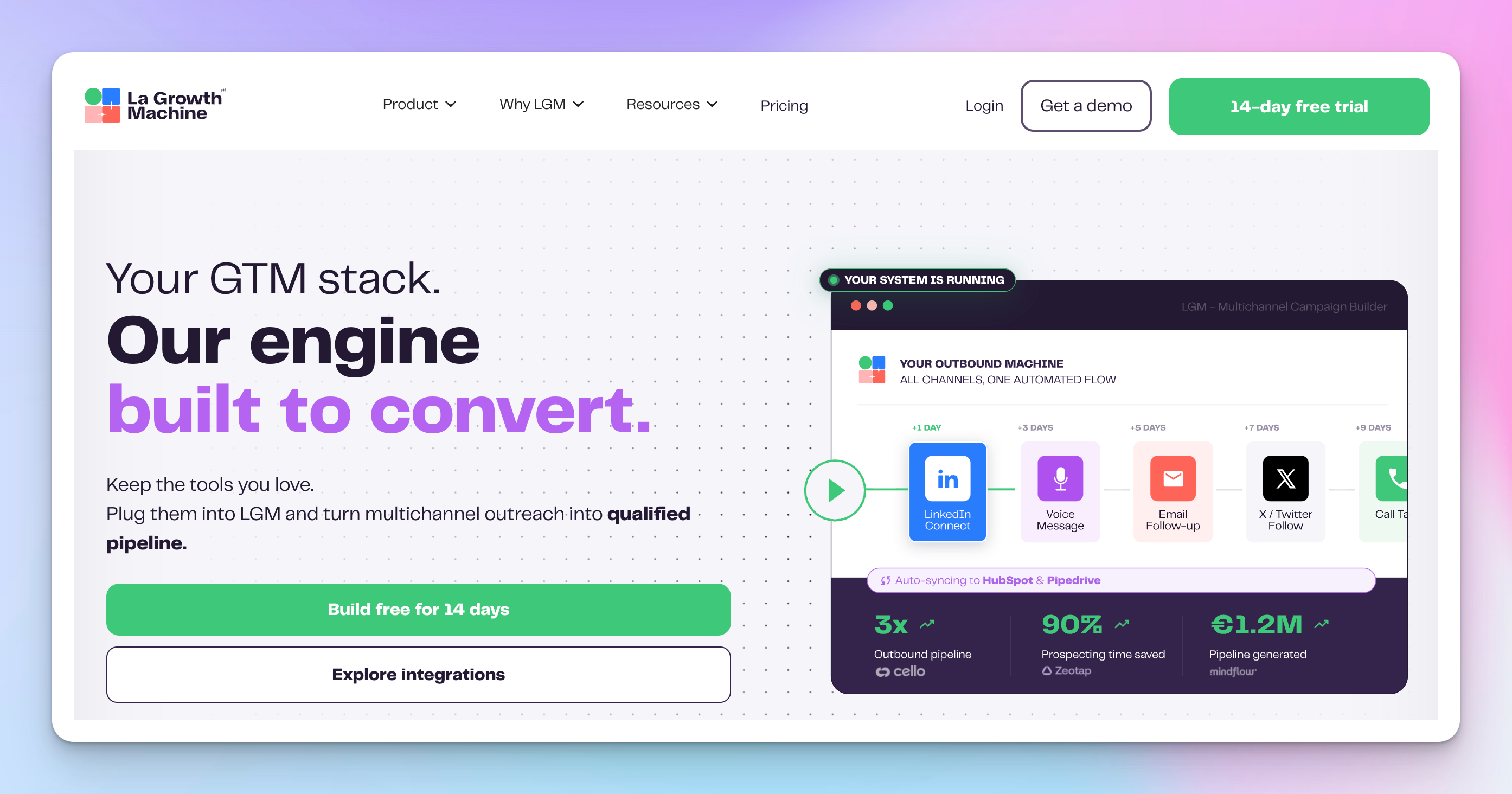
LaGrowthMachine treats LinkedIn, email, and social touchpoints as one connected system. Instead of forcing prospects through a single channel, it adapts automatically based on what data is available and how people respond. This makes it a strong fit for sales teams that want smarter LinkedIn outreach, not just more messages.
If a prospect has a verified email, the workflow can start there. If not, it switches to LinkedIn messages or profile visits. Follow-up happens across channels without breaking the flow. Everything runs in the cloud with strong security controls, and managers get clear visibility into campaign performance from a single dashboard.
For teams focused on decision-makers and a higher conversion rate rather than speed alone, LGM feels deliberate and polished.
Key features:
- True multi-channel sequences: Combine LinkedIn messages, email outreach, X (Twitter), voice messages, and call tasks in one workflow. X outreach is available on the Ultimate plan.
- Conditional workflow logic: Automatically switch channels based on data availability or prospect behavior.
- Cloud-based automation: Runs 24/7 without a Chrome extension or local machine dependency, protected by dedicated 5G mobile proxies.
- Advanced email enrichment: Uses a waterfall system across 9+ email providers and 2 verification tools to find and verify emails.
- LinkedIn Voice Messages: Send AI-generated voice messages directly on LinkedIn, available across all plans.
- LinkedIn Sales Navigator support: Build outreach campaigns from precise LinkedIn search and Sales Navigator filters, including intent data like likers, commenters, and event attendees (Pro and above).
- Real Chat Mode: Simulate natural LinkedIn chat behavior to improve reply rates.
- Company Lookalike: Automatically surface 50+ similar leads for each positive reply.
- AI-assisted personalization: Generate personalized messages based on LinkedIn profile data, job titles, and activity.
- A/B testing: Test email, LinkedIn messages, and connection requests across variants (Pro and above).
- CRM synchronization: Deep bi-directional sync with HubSpot and Pipedrive, including CRM enrichment and workflow triggers. Available on the Ultimate plan only.
- Team collaboration model: Pricing is based on active sending identities, with team members included free of charge.
- Safety-first infrastructure: Dedicated 5G mobile proxies and smart sending limits to protect LinkedIn accounts.
Pros:
- Strong multi-channel outreach across LinkedIn, email, and social media
- Smart workflows adapt automatically to available contact data
- Excellent email enrichment for finding hard-to-reach prospects
- High level of account safety using dedicated mobile proxies
- Deep CRM integration for structured sales teams
- Good fit for targeting decision-makers and complex buying groups
- Scales well without adding manual overhead
Cons:
- Higher pricing compared to LinkedIn-only tools
- More setup required than beginner-friendly platforms
- Overkill for teams doing simple LinkedIn outreach only
- Identity-based pricing can get expensive at scale
Pricing:
LaGrowthMachine offers a 14-day free trial with no credit card required. Billing is available monthly, quarterly, semiannually, or annually, with annual plans including 2 months free. Pricing is per identity per month, with team members included free on all plans.
- Basic: €50/month per identity
- Pro: €100/month per identity
- Ultimate: €150/month per identity
- Agency plan: Custom pricing
Best for: Multi-channel outbound for growth and RevOps teams
Waalaxy
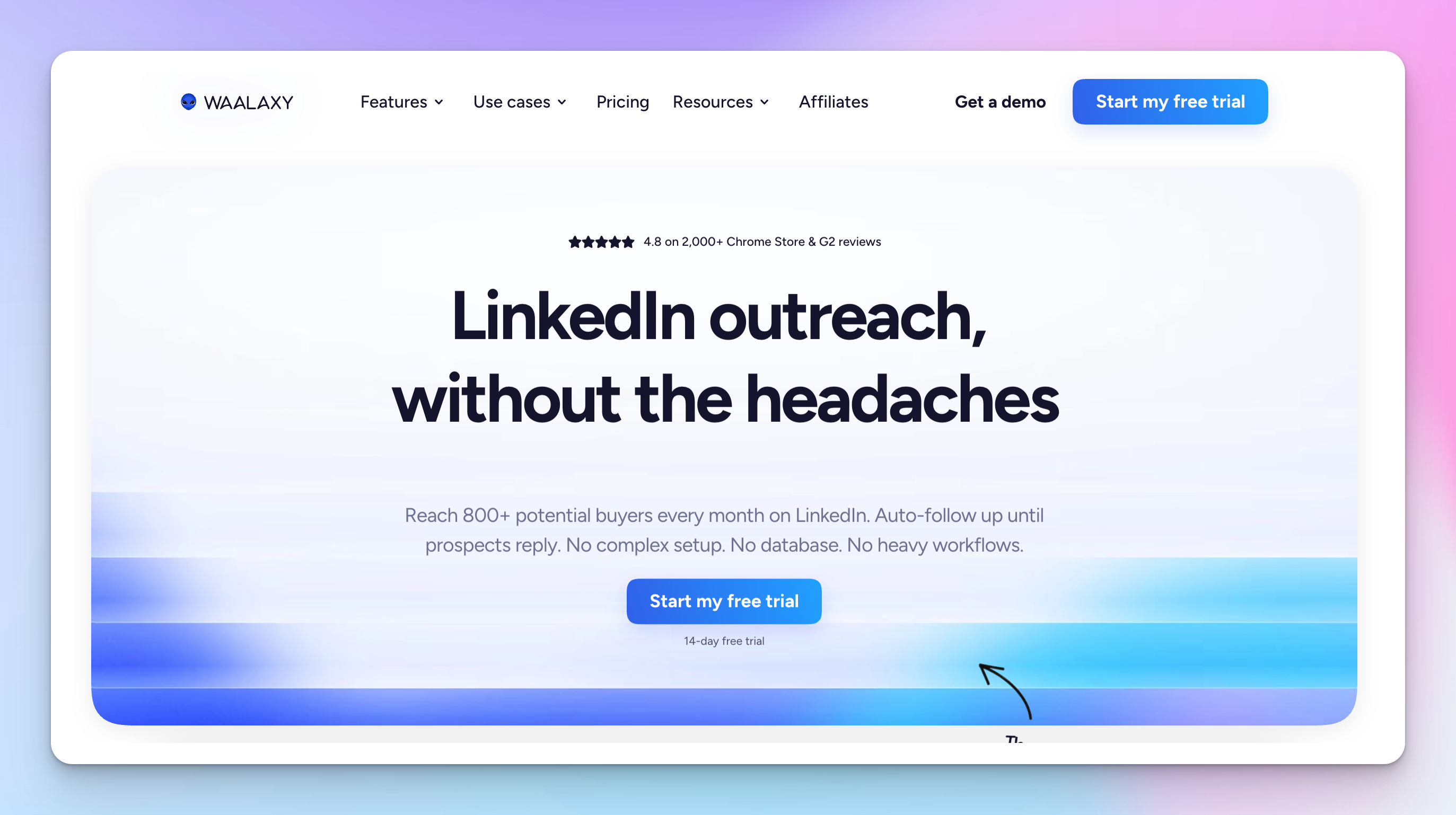
Waalaxy makes LinkedIn outreach feel easy, not technical. You pick a goal, choose a ready-made campaign, and launch. You don't have to deal with complex workflows and deep setup. This makes it a popular LinkedIn automation tool for solo users, freelancers, recruiters, and small sales teams who just want things moving.
Waalaxy uses a hybrid setup. You import leads from LinkedIn search or LinkedIn Sales Navigator through a Chrome extension, then everything runs in the cloud. It supports connection requests, automated messages, and follow-up messages, plus optional email outreach on higher plans. The big appeal is confidence. The tool guides users with built-in limits, templates, and safety rules, so it is hard to mess things up.
For teams that want predictable results without learning sales automation theory, Waalaxy keeps the LinkedIn outreach approachable.
How it compares to Dripify and HeyReach: Waalaxy is the most beginner-friendly of the three. While Dripify offers more campaign control and HeyReach handles multi-account scale, Waalaxy excels at getting a solo user or small team moving quickly with a minimal learning curve. For agencies or high-volume teams, you will outgrow it quickly.
Key features:
- Pre-built campaign library: Choose from dozens of ready-made sequences for sales, recruiting, or networking.
- Hybrid setup (extension + cloud): Import leads via the Chrome extension, then run campaigns fully in the cloud.
- Guided LinkedIn outreach: Built-in invitation limits per plan, automated follow-ups, and safety rules.
- Simple sequence editor: Edit message templates and timing without complex workflow logic.
- AI writing assistant (Waami): Creates personalized messages based on proven outreach patterns.
- LinkedIn Sales Navigator support: Import prospects directly from Sales Navigator searches.
- Cold email sequences and multichannel campaigns: Available on Business plan, including email finder credits and automated email follow-ups.
- Smart reply detection: Automatically stops sequences when a prospect replies.
- Duplicate prevention: Stops the same prospect from entering multiple campaigns.
- CRM sync: Connect with 2,000+ tools, including HubSpot, Pipedrive, Zapier, Make, and N8N.
- LinkedIn Inbox add-on: Tag conversations, save reply templates, schedule follow-ups, and export to CRM. Available as a paid add-on on all plans, with 500 free conversations to start.
Pros:
- Very easy to use with almost no learning curve
- Pre-built campaigns remove guesswork for beginners
- Built-in safety limits help protect LinkedIn accounts
- Affordable entry point with a free plan
- Good fit for solo users, recruiters, and small sales teams
- Simple inbox tools make follow-up easier to manage
- Quick setup using LinkedIn search and Sales Navigator
Cons:
- Limited workflow flexibility compared to advanced tools
- Not ideal for complex or high-volume team outreach
- Relies on a Chrome extension for lead import
- Fewer customization options for advanced sales teams
- Less control over fine-grained campaign logic
Pricing:
Waalaxy offers a 14-day free trial on all plans. Billing is available monthly or yearly, with yearly plans saving 20%.
- Pro: $16/user/month
- Advanced: $32/user/month
- Business: $55/user/month
- Enterprise: Custom pricing for teams of 5+ seats
LinkedIn Inbox is available as a paid add-on on all plans.
Best for: Streamlined LinkedIn outreach for solo users and small teams
Best LinkedIn management tools for inbox and pipeline management
Once the leads respond, the native LinkedIn inbox becomes a nightmare. These tools fix the clutter and help you treat conversations like a CRM.
LeadDelta
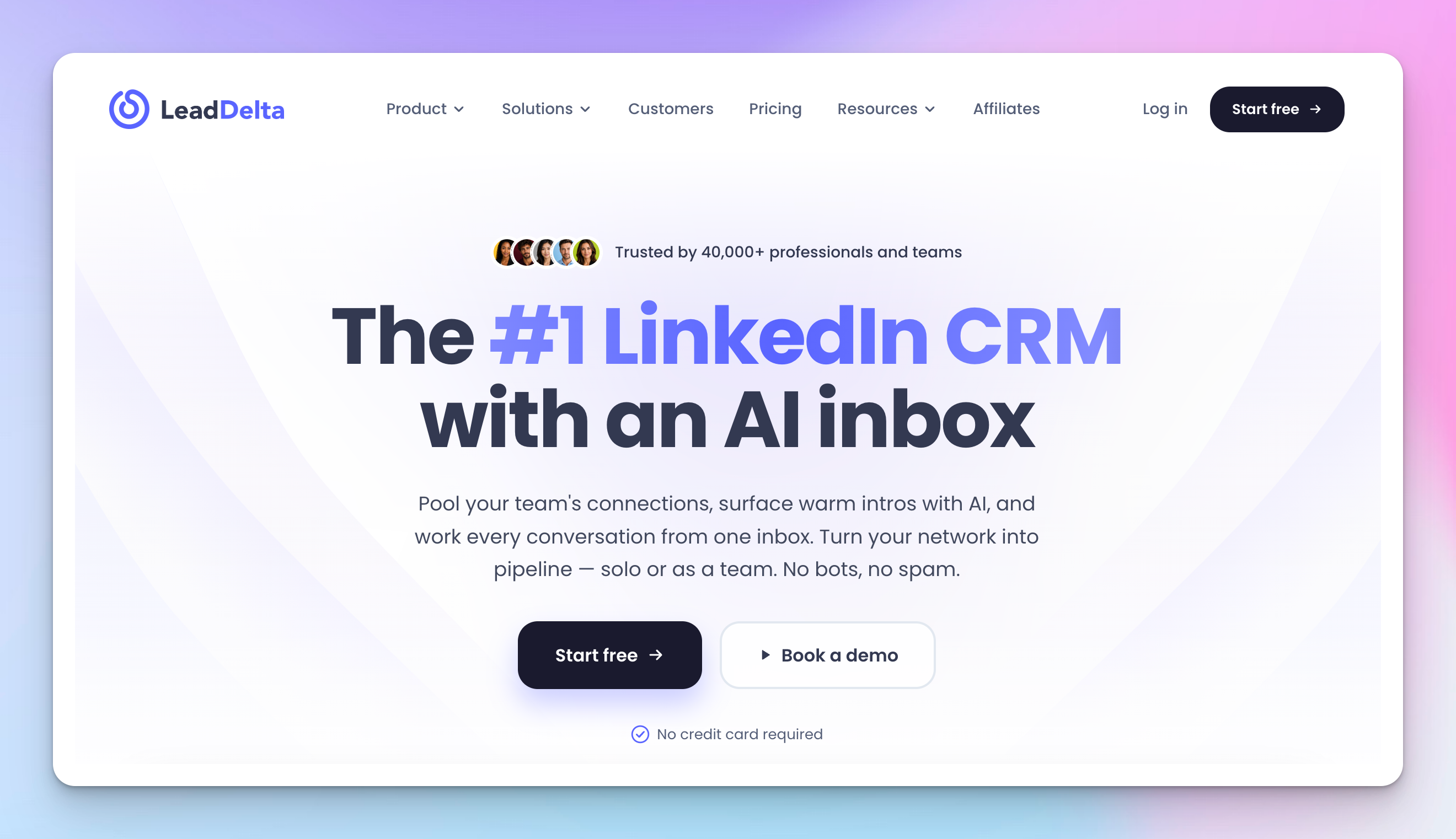
LeadDelta is a LinkedIn network manager. Its job is to help teams organize, search, and use their existing LinkedIn connections more intelligently. Instead of fighting LinkedIn’s messy inbox and weak filters, LeadDelta gives you a clean, structured view of your network so connections become usable assets, not forgotten names.
LeadDelta shines once you already have LinkedIn connections and want better outcomes from them. Teams can tag contacts, filter by company size or job titles, track interaction history, and spot warm paths to decision-makers through teammates. It turns individual LinkedIn profiles into a shared team network, making warm introductions and follow-up far easier.
For sales teams, recruiters, and agencies that rely on LinkedIn connections rather than cold outreach, LeadDelta sits neatly between LinkedIn and a full CRM.
Key features:
- LinkedIn network CRM view: Organize LinkedIn connections with tags, filters, and shared lists.
- Advanced contact filtering: Search by job titles, company size, location, and relationship strength.
- Sidebar browser extension: Save profiles and manage contacts directly from LinkedIn.
- Shared team network: Combine individual LinkedIn accounts into one searchable team database.
- Warm Intro AI: Automatically surfaces warm paths to prospects through your team's existing connections.
- Network Intelligence AI-chat: Query your network using natural language to find the right contacts faster.
- API and MCP access: Connect LeadDelta to AI tools, including Claude, ChatGPT, and Perplexity, to automate network workflows. Available on Pro and above.
- Job and company change signals: Get notified when connections change roles or companies, creating natural outreach triggers. Available on the Business plan.
- LeadSearch: Search a database of 500M+ people to find new prospects beyond your existing network. Available on the Business plan.
- Interaction history tracking: View past LinkedIn messages and engagement context in one place.
- Bulk connection management: Clean up, tag, or remove connections at scale.
- Drag and drop pipeline: Manage warm leads through a visual pipeline without leaving LeadDelta. Available on Pro and above.
- CRM export and sync: Push organized contacts into HubSpot or other tools via native integration or Zapier.
- No automation risk: Focuses on network management, not bots or automated messages.
Pros:
- Excellent for organizing and growing LinkedIn networks
- Makes warm introductions easier and more visible
- Shared team view turns individual connections into company assets
- Strong filtering by job titles, company size, and engagement
- No LinkedIn automation risk since it does not send messages
- Great complement to outreach and CRM tools
- Useful for sales teams, recruiters, and agencies
Cons:
- Does not run outreach campaigns or automated follow-up
- Limited value without an existing LinkedIn network
- Requires pairing with a CRM to manage deals and closing
- Not designed for cold outreach or LinkedIn prospecting
- Focused on LinkedIn only, no multi-channel support
Pricing:
LeadDelta offers a 7-day free trial with no credit card required. Billing is available monthly or yearly, with yearly plans offering 30% savings.
- Starter: $17.50/user/month
- Pro: $38.50/user/month
- Business: $69.30/user/month
- Enterprise: Custom pricing
Best for: Managing deals, pipelines, and closing revenue after leads are warm
Breakcold
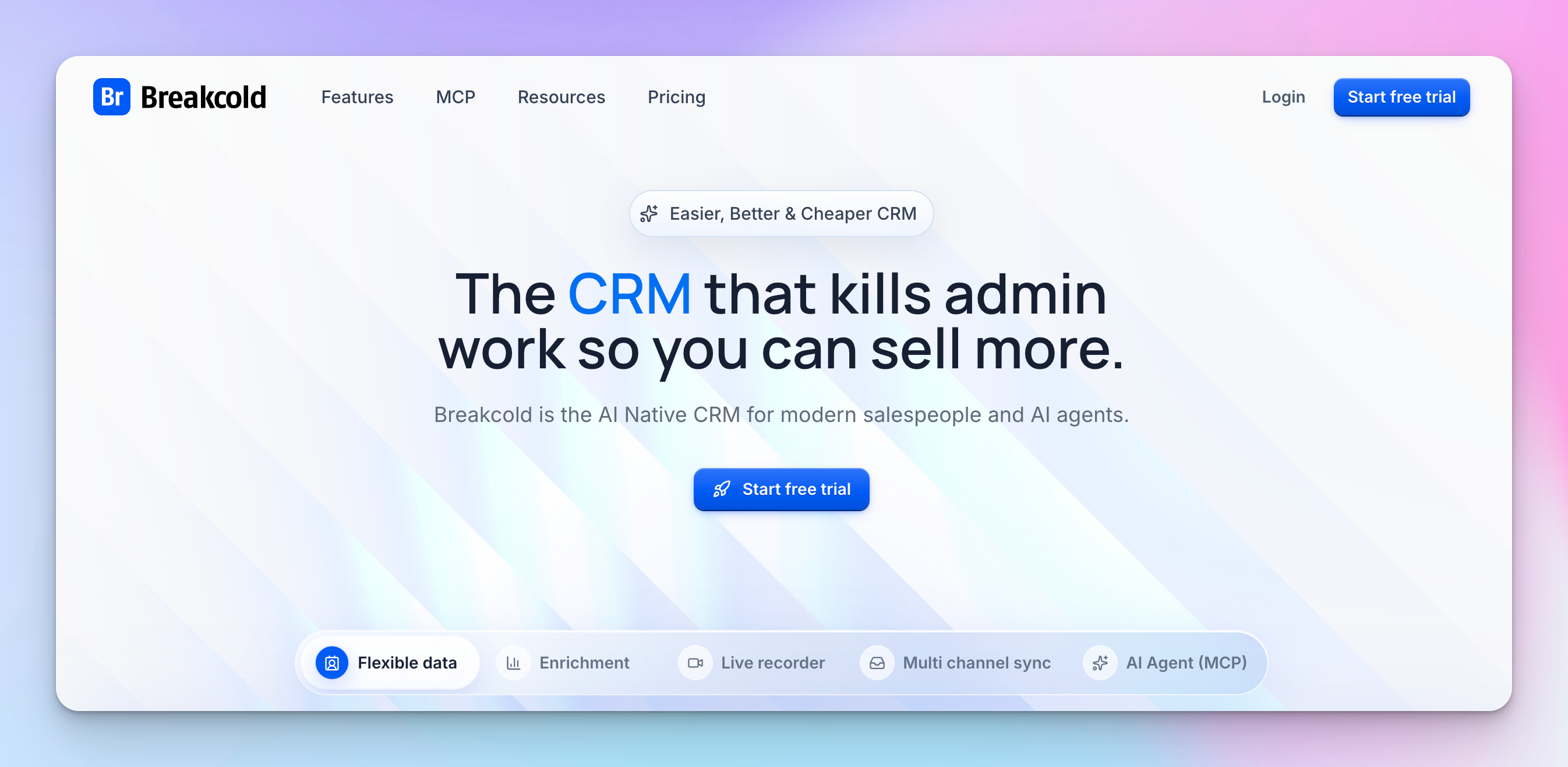
Breakcold is a CRM built for how sales actually happen today: across LinkedIn, email, and messaging apps, not just inside a pipeline.
Instead of forcing reps to update records manually, Breakcold pulls conversations and social activity into one place and keeps everything in sync automatically. The focus is relationships first, deals second, which is the essence of social selling. If your outreach is in DMs and comments, this tool is designed for that reality.
What makes Breakcold different is that it behaves more like an assistant than a database. It tracks LinkedIn messages, email replies, and social interactions in real time, then updates leads and pipelines for you. Reps spend less time logging activity and more time engaging prospects.
For teams that rely on social selling, warm conversations, and consistent follow-up rather than heavy automation, Breakcold acts as the control center that keeps everything moving without constant manual work.
Key features:
- Unified multichannel CRM inbox: Manage LinkedIn messages, email, WhatsApp, and Telegram conversations in one place, with auto-sync across all connected accounts.
- Social engagement feed: See prospects' posts and activity to keep outreach warm and relevant.
- AI-native automation: Claude and ChatGPT integrations built in, with AI-powered ICP filtering, call analysis, and smart CRM actions powered by a token system.
- Email and phone waterfall enrichment: Automatically find missing contact data across multiple providers.
- Unlimited contact and company enrichment: Enrich 50+ data points per person and company at no extra token cost.
- Relationship-first pipeline: Unlimited contacts, pipelines, custom objects, and fields to track engagement strength alongside deal stages.
- Meeting recorder: Record, transcribe, and summarize calls directly inside the CRM.
- Workspace system: Manage multiple clients or brands from separate workspaces, built for agencies.
- Roles and permissions: Team-level access controls for collaborative selling.
- API and MCP access: Connect to external tools and AI workflows.
- 20+ native integrations: Connect with LinkedIn, email providers, and other platforms directly from the CRM.
Pros:
- Excellent for social selling and relationship-based outreach
- Unified inbox reduces context switching across platforms
- AI automation removes most manual CRM updates
- Real-time sync keeps lead data accurate without effort
- Strong fit for LinkedIn-driven outreach and warm follow-up
- Helps sales teams stay engaged without micromanaging pipelines
- Works well alongside LinkedIn outreach automation tools
Cons:
- Less structured than traditional pipeline-first CRMs
- Not ideal for very rigid or highly regulated sales processes
- Limited native outbound automation compared to dedicated tools
- Best value shows up only when teams actively use social channels
- It can feel unconventional for teams used to classic CRMs
Pricing:
Breakcold has a single plan model with flexible add-ons based on team size and usage.
- Base plan: $59/month
- Additional seats: $10/month per extra seat.
- Additional accounts: $10/month per extra connected account.
- AI tokens: 150,000 tokens included in the base plan (approximately 3,000 AI CRM actions). Extra tokens available at an additional cost.
A 14-day free trial is available with no credit card required.
Best for: Relationship-driven social selling and multi-channel follow-up
Pipedrive
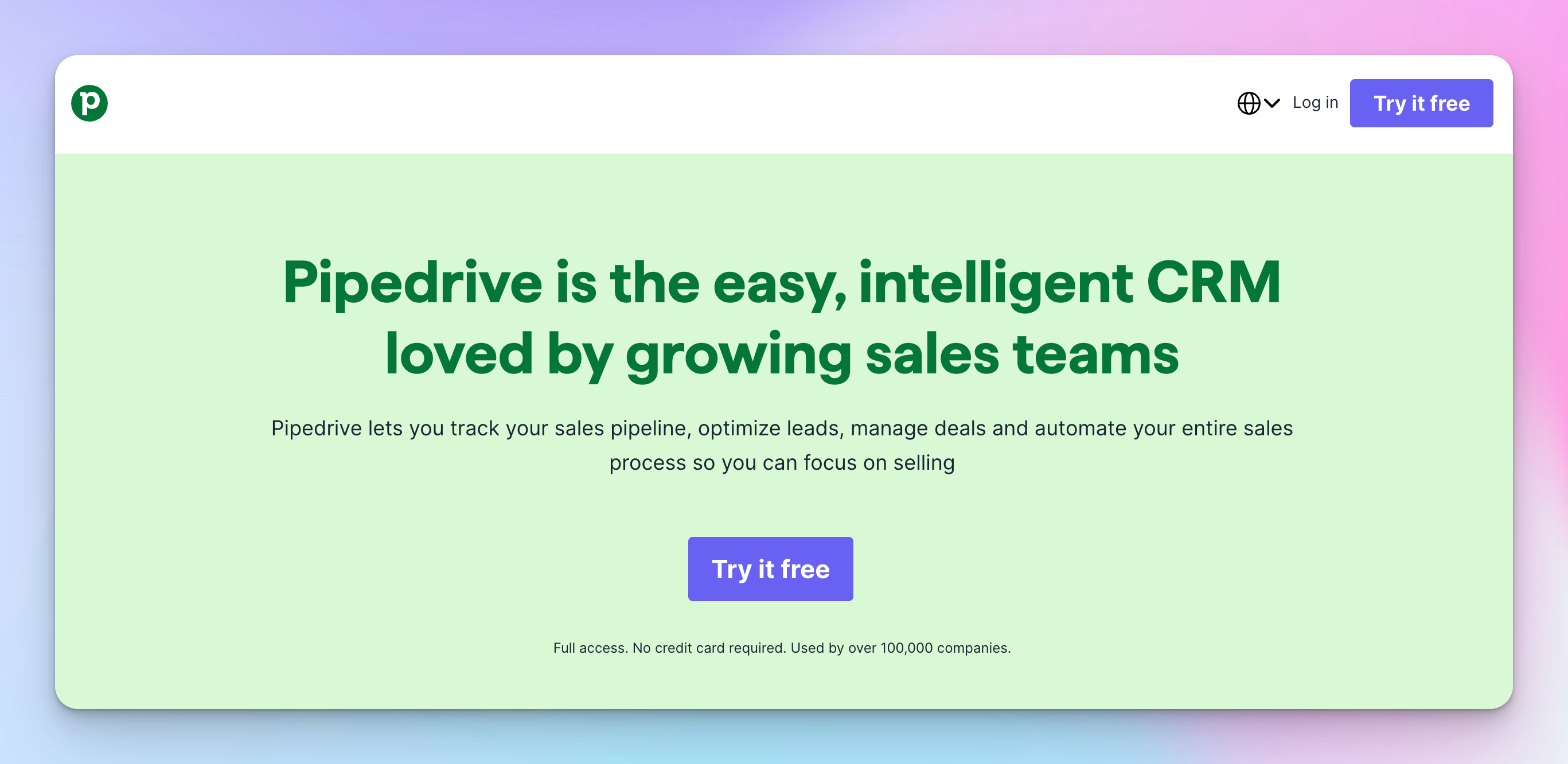
Pipedrive is a classic sales CRM built around one simple idea: deals should move forward visually. Everything revolves around a pipeline where each opportunity sits in a stage and gets dragged forward as progress happens.
For sales teams, this makes it easy to see what is active, what is stuck, and what needs attention today. It is less about sending messages and more about keeping revenue organized.
Where Pipedrive fits into a LinkedIn-driven stack is after conversations start. Once LinkedIn messages turn into real opportunities, Pipedrive becomes the place where follow-up, meetings, and closing deals are managed. With automations, reminders, and a clean dashboard, it helps sales teams stay consistent without relying on memory or spreadsheets.
It does not replace LinkedIn outreach tools. It gives them a system to land in once new leads are warm and ready to move forward.
Key features:
- Visual sales pipeline: Drag-and-drop deals across stages to track progress clearly.
- Deal and contact management: A central place for notes, activities, and full interaction history.
- AI-powered report creation: Generate reports using text input or pre-written prompts, available across all plans.
- Workflow automation and nurturing sequences: Automate follow-up, task creation, deal movement, and personalized email sequences.
- Full email sync with tracking: Sync Gmail or Outlook, send bulk emails, and track opens and link clicks in real time. Available on Growth and above.
- Lead generation and routing: Capture inbound and outbound leads with LeadBooster and route them automatically to the right reps. Available on Premium and above.
- AI-powered multi-email tools: Write, summarize, and reply to emails with AI, collaborate through shared team inboxes, and sync multiple email accounts. Available on Premium and above.
- Contracts and e-signatures: Send and track quotes, proposals, and contracts with built-in e-signatures. Available on Premium and above.
- Meeting scheduler: Let prospects pick a meeting time and view full interaction history in the contacts timeline.
- Reporting and forecasting dashboard: Track conversion rate, deal velocity, and pipeline health.
- 500+ integrations: Connect with LinkedIn tools, Zapier, Zoom, Lemlist, and more.
- Team visibility and permissions: Managers see progress without micromanaging.
- Mobile and desktop access: Manage deals anywhere without breaking workflow.
Pros:
- Very easy to understand, even for non-technical sales teams
- The visual pipeline makes the deal status obvious at a glance
- Strong workflow automation for follow-up and task management
- Scales well with growing sales teams and company size
- Large integration ecosystem via Zapier and native apps
- Reliable system of record for closing deals
- Low onboarding friction compared to enterprise CRMs
Cons:
- Not built for LinkedIn outreach or inbox management by itself
- Requires external tools to automate LinkedIn messages and prospecting
- Social selling data lives outside the core product
- Advanced lead generation features require paid add-ons
- Less useful before leads are warm and engaged
Pricing:
Pipedrive offers a 14-day free trial with full access and no credit card required. Pricing is per seat per month. Annual billing saves up to 42%.
- Lite: $14/seat/month
- Growth: $39/seat/month
- Premium: $59/seat/month
- Ultimate: $79/seat/month
Optional add-ons:
- LeadBooster (from $32.50)
- Campaigns (from $13.33)
- Projects (from $6.67)
- Web Visitors (from $41)
- Smart Docs (from $32.50).
Best for: Managing deals, pipelines, and closing revenue after leads are warm
Best LinkedIn management tools for integrated sales efforts
These tools bridge the gap between LinkedIn and your other sales data and make sure LinkedIn doesn't live in a silo.
Surfe (formerly Leadjet)
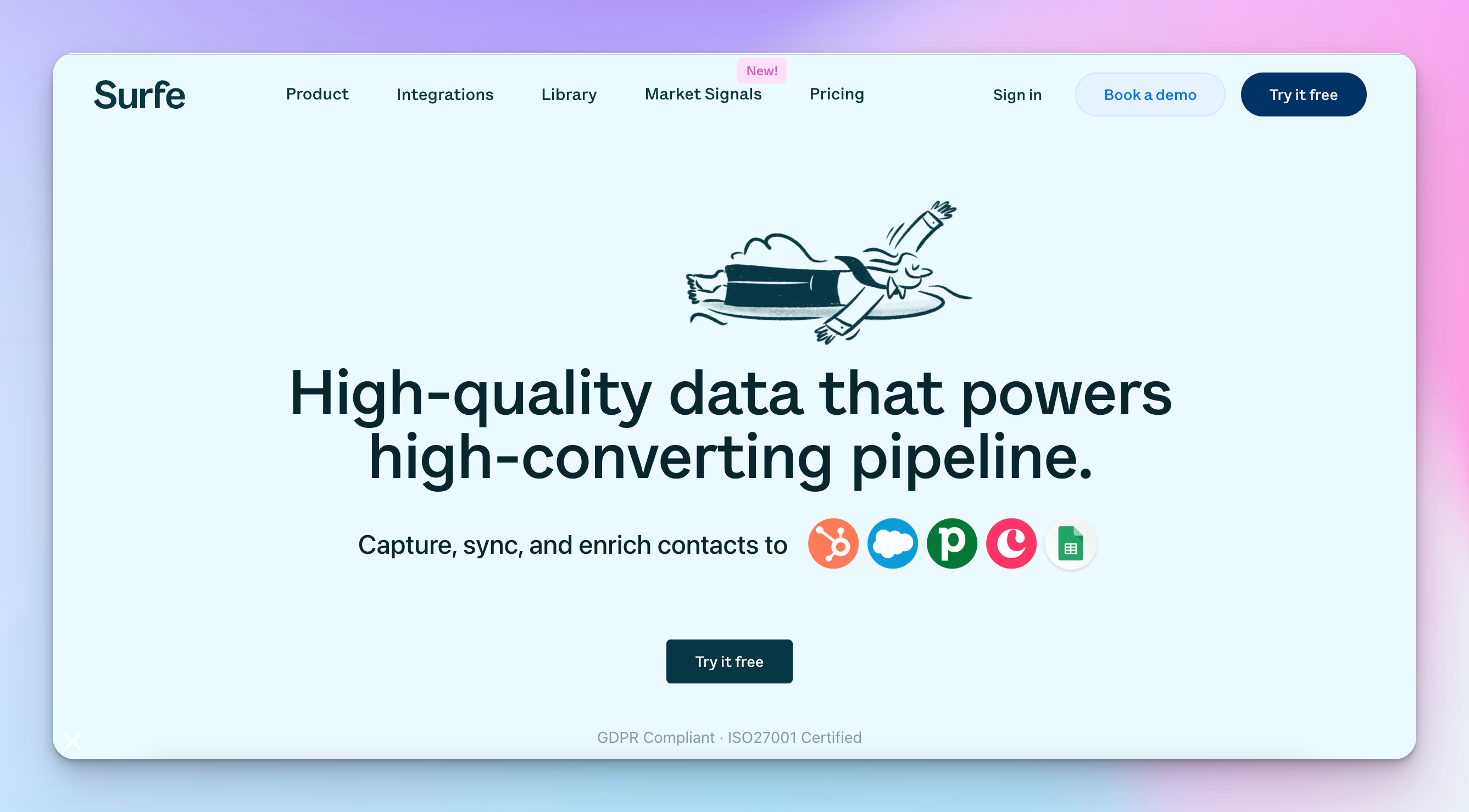
Surfe removes one of the biggest daily annoyances in sales: switching between LinkedIn and your CRM. Instead of copying profiles, messages, and notes by hand, Surfe lets you add and update contacts directly from a LinkedIn profile with one click. Your CRM lives right next to the conversation, not in another tab.
As you view profiles or exchange LinkedIn messages, Surfe syncs contacts, notes, and activity to HubSpot, Salesforce, or Pipedrive in real time. It also enriches leads with verified emails and phone numbers automatically.
For sales teams that already use LinkedIn heavily and just want cleaner data, better follow-up, and fewer admin tasks, Surfe acts like a quiet bridge that keeps everything connected.
Key features:
- One-click CRM sync from LinkedIn: Add contacts, companies, notes, tasks, deals, and fields to your CRM directly from a LinkedIn profile.
- Bi-directional CRM and Google Sheets integration: Keep LinkedIn activity aligned with your CRM or spreadsheet workflows in real time.
- Automatic lead enrichment: Waterfall enrichment across multiple providers to find and verify professional emails and mobile phone numbers, with credits refilled monthly.
- Company and people search: Advanced filters including technographic data, industry, revenue, location, and employee count. Up to 1,000 results per week on Essential, 10,000 per day on Pro.
- Account Lookalikes: Input a company or list of companies and instantly find similar accounts to replicate your best customers. Available on Pro.
- Prospect List Builder: Build targeted prospect lists using precise criteria, including company, job title, seniority, and location. Available on Pro.
- Market Signals: New feature for tracking buying signals and market activity across target accounts.
- Outbound tool integrations: Add contacts to Salesloft, Outreach, or Lemlist sequences directly from LinkedIn profiles, in bulk when exporting lists.
- Send emails and place calls: Reach out natively from a prospect's profile, with optional Gmail and Aircall integrations.
- Chrome extension workflow: Work entirely inside LinkedIn without tab switching.
- ISO 27001 certified and GDPR compliant.
Pros:
- Eliminates manual CRM data entry from LinkedIn
- Keeps CRM records accurate in real time
- Strong fit for LinkedIn-heavy sales workflows
- Improves follow-up consistency without extra effort
- Enrichment reduces missing contact data
- Works well with existing CRMs instead of replacing them
- Minimal learning curve for reps
Cons:
- Depends on LinkedIn usage to deliver full value
- Not a standalone outreach or automation tool
- Chrome extension required
- Limited usefulness outside social selling workflows
- Enrichment credits add an ongoing cost
Pricing:
Surfe offers a Free plan and a 14-day free trial for paid plans. No credit card is required to start.
- The Free plan is available.
- The Essential plan (€29 per user/month, billed annually; €39 monthly)
- The Pro plan (€69 per user/month, billed annually; €79 monthly)
All paid plans include enrichment credits that refill monthly and support integrations with Salesforce, HubSpot, Pipedrive, Salesloft, Outreach, Lemlist, and others.
Best for: Syncing LinkedIn activity into CRMs without manual data entry
Clay
Clay is not an outreach tool, and it is not a CRM. It is the layer that sits underneath both. Clay is built for teams that want better data before they send a single message. Instead of relying on one database, it pulls information from dozens of sources, cleans it, enriches it, and shapes it into something actually useful for sales and marketing.
You start with a basic signal like a LinkedIn profile or company domain, then Clay fills in the gaps step by step. Emails, job titles, company size, recent news, hiring signals, and even custom AI-written snippets can all be generated automatically. The result is fewer bad leads, more relevant outreach, and a higher conversion rate once messages go out.
For GTM engineers, RevOps teams, and agencies that care about precision over speed, Clay becomes the brain behind LinkedIn prospecting and outbound campaigns.
Key features:
- Multi-source data enrichment: Pulls data from 150+ providers in one data marketplace instead of relying on a single database.
- Waterfall enrichment logic: Tries multiple sources in sequence until valid data is found, maximizing coverage.
- Claygents: AI agents with access to web research that generate custom data points about any company or person at scale.
- Sculptor: Build entire GTM workflows using natural language, no coding required.
- Signals and Intent: Track job changes, promotions, new hires, company news, and web intent signals to trigger timely outreach.
- LinkedIn and Meta Ads audiences: Sync enriched, high-intent audiences directly to LinkedIn, Meta, and Google ad platforms.
- Native Sequencer: Launch email campaigns directly inside Clay or push to external sequencers via integrations.
- CRM enrichment and auto-sync: Keep CRM records clean and enriched automatically. Available on Growth and above.
- Custom formulas and logic: Filter, score, and prioritize leads using rules and AI formatting.
- CRM and tool exports: Push enriched leads to HubSpot, Salesforce, Pipedrive, or any outreach tool.
- HTTP API and webhook support: Automate any signal or integrate with any data source. Available on Growth and above.
- SOC 2 Type II, GDPR, CCPA, and ISO 27001 certified.
Pros:
- Best-in-class data enrichment and lead quality
- Reduces wasted outreach by improving targeting upfront
- Extremely flexible for custom workflows and logic
- Strong AI support for research and personalization
- Integrates cleanly with CRMs and outreach tools
- Ideal for agencies and RevOps teams managing complex data needs
- Supports sophisticated LinkedIn lead generation strategies
Cons:
- Steeper learning curve for non-technical users
- Credit-based pricing requires active monitoring
- Not designed to send messages or manage inboxes
- Overkill for small teams with simple outbound needs
- Setting up takes time to get right initially
Pricing:
Clay offers a free plan and a 14-day trial with no credit card required. Pricing uses two separate meters: Actions (platform usage, including enrichment and GTM execution) and Data Credits (buying data from vendors in Clay's marketplace). Annual billing saves 10%.
- Free: $0
- Launch: from $167/month
- Growth: from $446/month
- Enterprise: Custom pricing
Both Actions and Data Credits can be expanded at any time within any plan.
Best for: Deep data enrichment and hyper-personalized outbound at scale
Apollo.io
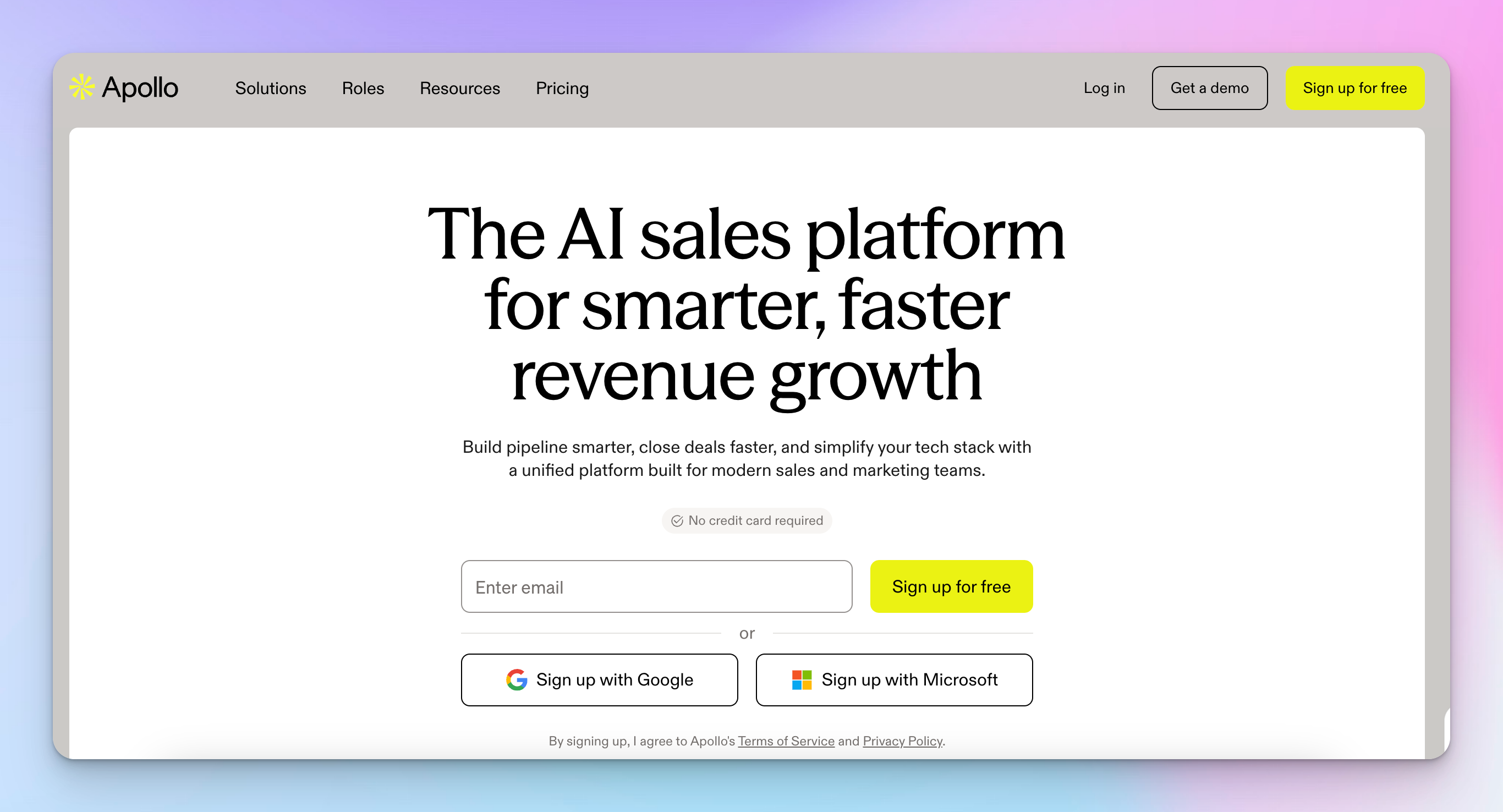
Apollo.io helps sales teams find leads and contact them fast. It combines a massive contact database with built-in outreach tools, so you do not need separate software for data, sequencing, and basic analytics. You search for prospects, build lists, and start outreach from the same place. This makes Apollo especially popular with startups and small sales teams that want speed over complexity.
Apollo works best for high-volume outbound. You can filter by job titles, company size, location, and seniority, then drop prospects into email or multi-channel sequences right away. It tracks opens, replies, and response rates in real time, helping teams optimize outreach campaigns as they go.
The tradeoff is precision. Data quality is good, but not perfect, so teams often rely on verification and warm-up to protect deliverability. For cold outreach and rapid LinkedIn lead generation at scale, Apollo is built to move quickly.
Key features:
- Large B2B contact database: Access millions of verified contacts across roles, industries, and regions, with waterfall enrichment across multiple providers.
- Advanced prospect filters: Target by job titles, company size, seniority, location, buying intent signals, and AI-powered filters.
- Buying Intent signals: Identify accounts showing active purchase intent with up to 12 intent topics, depending on plan.
- People and Company Lookalikes: Find prospects that match your best customers automatically.
- AI Research and AI Lead Scoring: Automatically research prospects, identify pain points, and score leads based on fit and behavior.
- Built-in outreach sequences with A/Z testing: Run email, call, and LinkedIn task sequences with multivariate testing to optimize messaging. Available on Professional and above.
- Email deliverability suite and warm-up: Built-in tools to protect sender reputation and improve inbox placement.
- Unlimited mailboxes: Connect unlimited Google and Microsoft mailboxes per user on Professional and above.
- Integrated dialer with AI insights: Make calls directly from Apollo with call recordings, AI call summaries, and analytics.
- Automated workflows: Trigger multi-step actions based on prospect behavior and signals. Up to 500 workflows on the Organization plan.
- Apollo MCP: Connect Apollo to AI tools and external workflows via the MCP protocol.
- CRM synchronization: Bi-directional sync with HubSpot, Salesforce, Pipedrive, and others.
- Mobile app: Manage prospecting and outreach on the go.
Pros:
- All-in-one setup for data, outreach, and basic analytics
- Very fast for building lists and launching cold outreach
- Strong filters for job titles, company size, and seniority
- Built-in email, call, and LinkedIn task sequences
- Real-time tracking of opens, replies, and response rates
- Affordable entry point for startups and small sales teams
- Easy CRM sync with HubSpot, Salesforce, and Pipedrive
Cons:
- Data accuracy varies by region and industry
- Requires email warm-up and verification to protect deliverability
- Less flexible than specialized enrichment or GTM engineering tools
- Limited depth for advanced personalization workflows
- Best suited for volume, not precision-first outreach
Pricing:
Apollo offers a free plan plus paid tiers, all built around a credit system. Credits unlock verified emails, phone numbers, enriched data, AI research, and dialer minutes. Annual billing saves 20%.
- Free: $0
- Basic: $49/seat/month
- Professional: $79/seat/month
- Organization: $119/seat/month
Add-ons:
- Inbound ($119/team/month) for website visitor identification and form enrichment;
- Advanced Dialer ($119/team/month) for international calling, parallel dialing, and local presence.
Best for: High-volume cold outreach with built-in data and sequences
Make LinkedIn work for you using the right stack
LinkedIn provides many opportunities for sales teams, but it shouldn't be a manual chore. Whether you need better data, cleaner CRM syncing, or smarter sequences, the right tools let you focus on what actually closes deals: human conversation.
Don't let a messy inbox or restrictive limits throttle your growth. Start with the solution that solves your biggest bottleneck, and scale your technology as your pipeline grows.
Ready to scale without the risk?

Try it for free
Frequently Asked Questions
What are LinkedIn management tools?
LinkedIn management tools are software platforms that help sales teams automate outreach, organize their inbox, enrich lead data, and sync activity with their CRM, all without manually managing every interaction on LinkedIn.
What is the best LinkedIn management tool for scaling outreach safely?
HeyReach is widely considered the best LinkedIn management tool for high-volume, safe outreach. Its multi-account sender rotation distributes activity across multiple profiles, keeping each one within LinkedIn's limits while maximizing overall output.
Are LinkedIn management tools safe to use?
Yes, when used correctly. The safest LinkedIn management tools run in the cloud, use dedicated proxies, simulate human behavior, and enforce daily limits. Tools like HeyReach, Expandi, and Dripify are built with these safety measures built in.
Which LinkedIn management tool is best for small teams or solo users?
Waalaxy is the most beginner-friendly option, offering pre-built campaigns, guided setup, and affordable pricing, which makes it ideal for solo users, freelancers, and small sales teams who want results without a steep learning curve.
What is the best LinkedIn management tool for agencies?
HeyReach is the strongest fit for agencies doing high-volume LinkedIn outreach, thanks to its multi-account sender rotation, workspace isolation per client, and anti-duplication logic. LaGrowthMachine is the better pick for agencies running multi-channel campaigns across LinkedIn, email, and Twitter/X.