Best alternatives to Dripify
Published:
August 4, 2026
Dripify works fine until a second LinkedIn account or a second teammate enters the picture. Then you're switching browser tabs to check two inboxes, buying a second full license, or hitting the Basic plan's one-campaign cap sooner than expected.
That's when most people go looking for something else. Dripify is genuinely easy to learn and cheap to start. It is cloud-based, no browser extension required, and it markets a dedicated IP as part of its safety pitch, though independent testing has found that IP isn't always as dedicated as the marketing suggests.
But overall, it's a fine first tool. The ceiling just shows up faster than expected: past one person, one account, one sequence, and past the 100 email finder credits every tier includes, with no rollover and no volume discount if you need more.
I put this roundup together for that exact situation. You've gotten real value out of Dripify, and you can see where it's about to stop scaling with you, so you need a straight comparison: prices, limitations, all the details.
Before I get into each Dripify alternative, you can glance over this table for context on price and best use.
Prices normalized to USD at current exchange rates for easy comparison; La Growth Machine and Waalaxy bill in euros natively. Check each vendor's live pricing page for exact local pricing.
1. HeyReach — the only tool here with automatic multi-account rotation
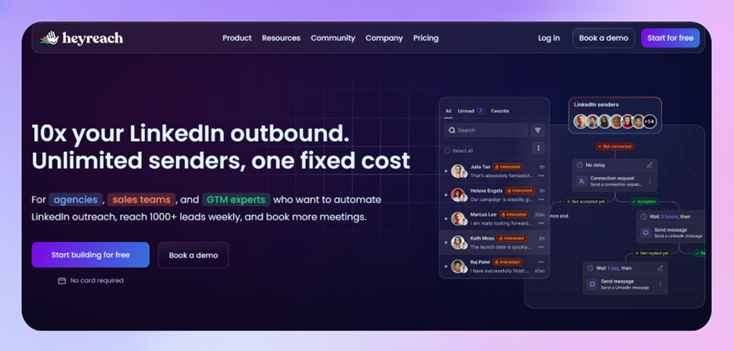
Most of the tools on this list tie one license to one LinkedIn account. Run outreach from five profiles and you're managing five separate setups: five warm-up periods, five sets of daily limits, five inboxes to check for replies.
HeyReach is the exception.
It rotates outreach activity automatically across every connected sender in a campaign. The load spreads instead of hammering one profile, and the accounts stay within LinkedIn's daily limits without anyone tracking it manually.
In practice, this looks like:
- Outreach rotating automatically across every connected LinkedIn account
- Each account staying within its own daily limits without manual tracking
- Every reply, from every sender, landing in one shared inbox called Unibox
- Agencies getting a rollup view across client workspaces through Masterview, which doubles as the backbone for monthly client reporting instead of exporting CSVs into a deck by hand
All without five separate logins or five separate places to lose track of a reply.
If you'd rather hand the busywork to an AI agent, HeyReach also connects to Claude directly through MCP instead of needing a Zapier bridge in between. That is one more thing that's centralized instead of stitched together per account.
Best for: teams and agencies managing multiple LinkedIn senders who want flat, transparent pricing instead of a per-account bill that climbs every time someone joins the team.
Limitation to plan around: HeyReach doesn't send email natively. Mixing LinkedIn and email in the same outbound motion means pairing it with Instantly, Email Bison or Smartlead. That's one more subscription, but the good news is that these email tools tend to price flat rather than per account. For example, Instantly and Smartlead’s entry tiers are both around $37-39/month. If a single login for LinkedIn and email matters more to you than multi-account safety, weigh that trade-off first.
2. Expandi — best for LinkedIn and email in one sequence
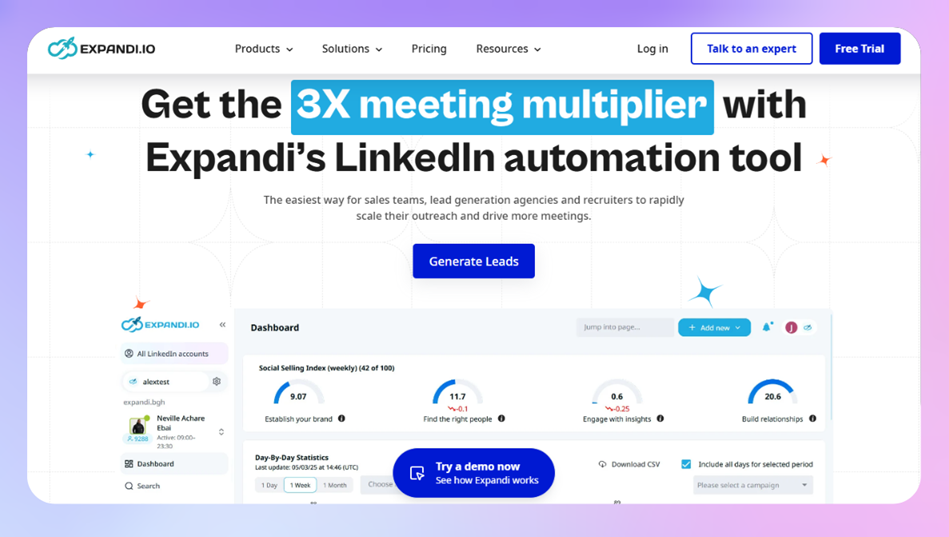
Expandi runs LinkedIn and email inside the same campaign, which puts it in the same territory Dripify already covers, just with a few real upgrades.
Daily activity limits run as flexible ranges instead of Dripify's fixed per-tier caps. Each account gets its own dedicated IP with a gradual warm-up. And the conditional logic lets a sequence branch based on what a prospect actually did, instead of pushing everyone down the same path.
That branching is the more interesting part. A prospect who accepted your connection but never replied gets routed differently than one who viewed your profile and did nothing. It's a genuine upgrade over a straight linear drip, especially for higher-value pipelines where the follow-up needs to match the behavior. Our Expandi review covers how the sequence builder handles that branching in more detail. If you want the exact side-by-side against Dripify, we wrote the full head-to-head too.
Best for: solo users or small teams who want LinkedIn and email running from the same sequence, without stitching two separate tools together.
Limitation to plan around: Expandi is priced per LinkedIn account, around $99 a month each. Five accounts means five subscriptions (I did the math, it's $495). There's no pooled, multi-sender layer underneath it the way HeyReach is built, and no teammate can reply on someone else's behalf in the inbox, so handoffs during time off or high volume mean logging into that specific account.
3. La Growth Machine — best for the widest channel mix
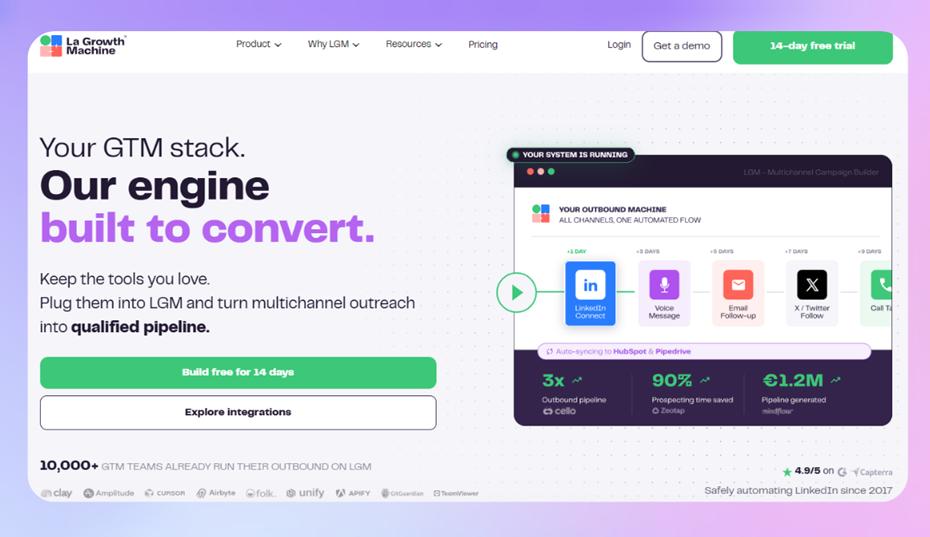
If LinkedIn and email together still isn't enough, La Growth Machine goes further. It runs sequences across LinkedIn, email, X, and phone calls from one workspace. This makes it the broadest tool on this list by channel count. Enrichment is built in too, so contact and company data can enter a sequence without a separate scraping step first.
That range comes with more moving parts. Sequences that branch across four channels take longer to set up than a straightforward LinkedIn drip, and the tool rewards teams who genuinely need that many channels over ones who'd be fine with LinkedIn alone. Our La Growth Machine review breaks down how each channel connects inside a single sequence.
Best for: teams whose outbound motion genuinely spans more than LinkedIn and email and don't want to coordinate that across separate platforms.
Limitation to plan around: La Growth Machine charges per "identity," and every paid plan only includes one, each identity bundles one LinkedIn account, one email inbox, and one X account together. Run outreach from five LinkedIn accounts and that's five identities, not five seats on a shared plan. On the Pro tier alone, five identities runs close to $680 a month, and the Ultimate tier requires a minimum of four identities to even get started. There's no auto-rotation across those accounts either, so each one still needs its own warm-up and its own risk profile. Integrations like the API, Zapier, and CRM sync are also locked to the higher tiers, and enrichment only kicks in once a campaign launches rather than at import, so list-building takes longer up front than it does in a tool built around per-sender pricing from the start.
4. Waalaxy — best low-cost entry point
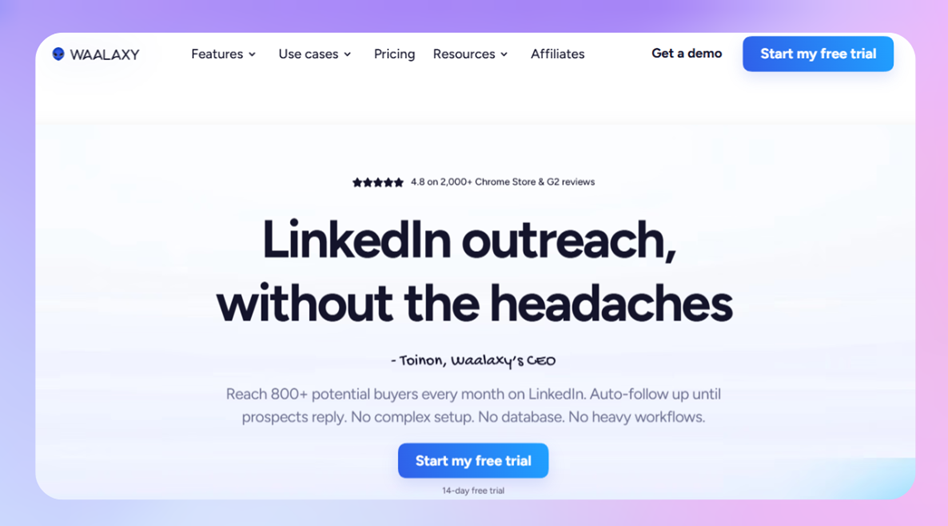
Waalaxy is the tool I'd point a total beginner toward if budget is the constraint. It runs as a Chrome extension, has a free tier to test the idea, and comes with enough pre-built templates that a first campaign can be live within minutes. If you're not sure LinkedIn automation is even worth paying for yet, that's a low-risk way to find out.
The trade-off is the one every extension-based tool makes. Campaigns run through your browser instead of the cloud, so your machine needs to stay on and connected for outreach to keep sending. Our Waalaxy review goes deeper into the template library and where its native AI assistant, Waami, fits if you want to use it.
Best for: solo users and beginners who want the cheapest possible way to test LinkedIn automation before committing a budget.
Limitation to plan around: it's extension-based, so there's no 24/7 cloud execution, and email sits behind the Business plan. Once volume or account safety matters more than price, that browser dependency is what you outgrow first.
5. Linked Helper - best for keeping outreach data off the cloud
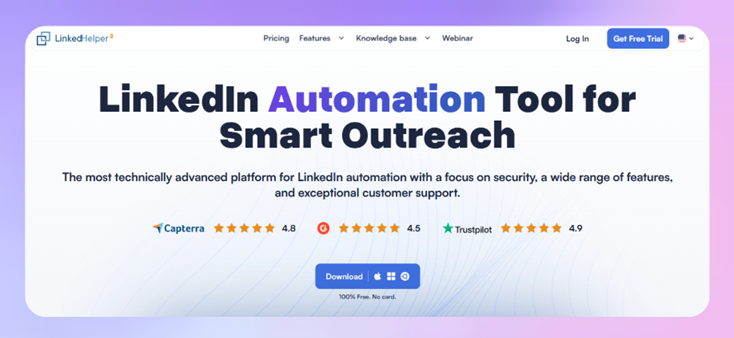
Every other tool on this list runs your outreach through someone else's servers. Linked Helper runs as a desktop app on your own computer instead, so the profile data it collects stays local rather than sitting on a vendor's cloud infrastructure. For teams with real data-handling concerns, or just a preference for not routing LinkedIn activity through a third party's servers, that's a genuine, specific reason to pick it over a cloud-based tool.
It's also the cheapest full-featured option on this list. The Standard plan covers messaging and data collection, and Pro adds AI-generated messages, chat-history exports, and Snov.io sync on top. Our Linked Helper review covers the setup process and where the desktop-app model shows its limits.
Best for: solo users or small teams who want the lowest-cost full-featured option and don't mind running a desktop app instead of a cloud dashboard.
Limitation to plan around: there's no unified inbox, so replies get managed inside LinkedIn's own inbox rather than a centralized one, and there's no multi-sender rotation across accounts either. Since it runs locally rather than in the cloud, outreach stops the moment you close the app, and running it can slow down whatever machine it's on.
6. Dux-Soup — best for the tightest budget
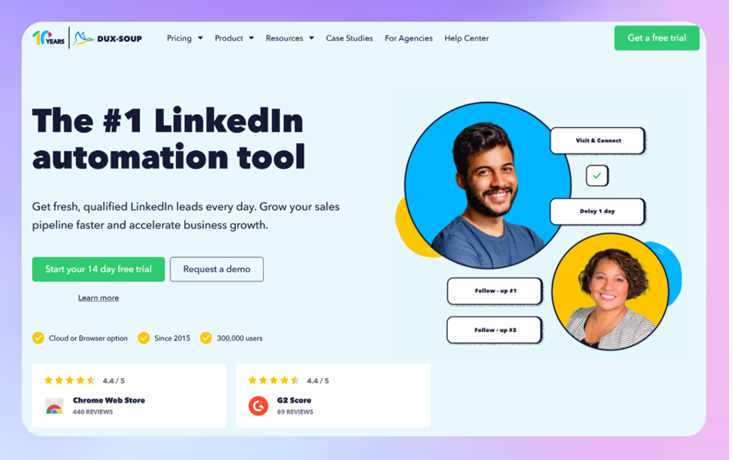
Dux-Soup is the cheapest tool on this list, and it's been around long enough to cover the basics reliably: connection requests, follow-up messages, profile visits, automated at a low monthly cost. Pro and Turbo run as a Chrome extension. Cloud moves execution server-side for a bit more reliability. Our Dux-Soup review covers the differences between those tiers.
Best for: solo users or freelancers who just need basic connection and message automation without paying for features they won't use.
Limitation to plan around: Pro and Turbo need your browser open to keep running, and the interface hasn't kept pace with newer cloud-first tools. It gets the job done at a low price. It just feels dated next to almost everything else on this list.
How to choose
If you're still deciding between these Dripify alternatives, it usually comes down to one question: what's the actual constraint you're solving for right now?
The gap that's easiest to underestimate is what happens to per-seat pricing at agency scale. Somewhere around 50 LinkedIn accounts, per-account pricing on tools like Expandi or Dripify's top tier climbs into the low thousands per month.
HeyReach's Agency plan covers the same sender count for a flat monthly fee instead. That's the whole point of pricing around senders instead of seats: the math gets better as you scale, not worse.

Try it for free
Frequently Asked Questions
What's the biggest difference between Dripify and HeyReach?
Dripify licenses one user to one LinkedIn account, with LinkedIn and email steps built into the same sequence. HeyReach is built around running many LinkedIn accounts together, with automatic rotation and one shared inbox, but it doesn't send email natively. Pair it with a tool like Instantly if you need that.
Is Dripify safe to use for LinkedIn automation?
Dripify sets daily activity limits by tier and recommends warming up new accounts gradually, which are the same basic safety practices most LinkedIn automation tools follow. The bigger safety question usually isn't the tool itself. It's how many accounts you're running through one setup with no rotation between them.
What's the cheapest Dripify alternative?
Dux-Soup and Waalaxy are the least expensive options here, both starting under $20 a month depending on the plan. Waalaxy also has a free tier if you want to test the idea before paying anything.
Which Dripify alternative is best for agencies managing multiple clients?
HeyReach is built specifically for that use case, with per-sender pricing and a dashboard for managing multiple client workspaces from one account. La Growth Machine can also work at agency scale, though its per-identity pricing means cost climbs in a more linear way as client accounts add up.